Forum Discussion

AriffK
2 years agoCommunity Member
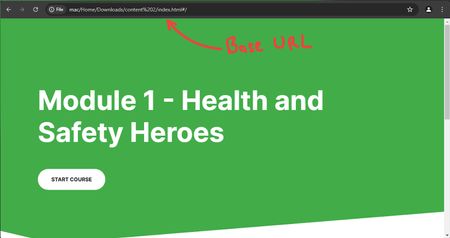
How to hide the cover page when publishing to WEB (for web exported content)
In search for an answer to hide the cover page when exporting Rise 360 course content to web, I've found a simple but effective workaround that involves adding code to the index.html of the publishe...
- 10 months ago
Hi everyone,
I’m happy to share that we’ve released a new update for Rise 360! You can now remove the cover page when exporting your course for the web.
This gives you more control over how learners first see your content, helping you create a cleaner and more customized experience.
- Enhanced: Remove the cover page when exporting training for the web
There’s nothing to install for web apps. New features and fixes are immediately available, though you might need to publish your Rise 360 course again.
Let me know if you have any questions about this update.


NishaAtkins
10 months agoCommunity Member
Excellent - thank you so much!
Related Content
- 11 months ago