Forum Discussion

KatieKirsch
3 years agoCommunity Member
Image Degrade in Rise 360
Hello!
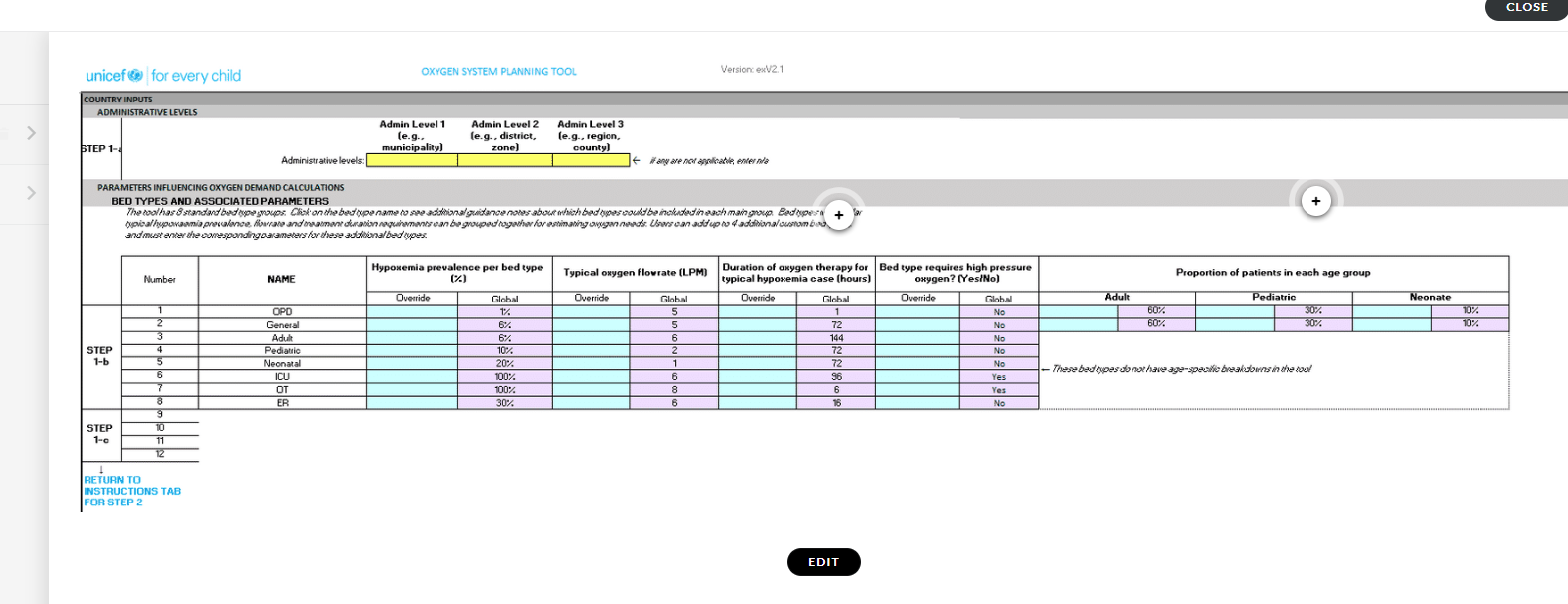
I have submitted several different images into a Rise 360 course that often show as blurry when outside of the Edit screen. The instructions that I have found only vaguely suggest being as...


KarlMuller
3 years agoCommunity Member
Hi Katie,
Rise automatically compresses images which could cause the blurriness.
Pro Tip: If you'd like an image to keep its specific file format and not undergo compression, you can opt-out of image optimization on a case-by-case basis. Just add _NOPROCESS_ to the name of your image file. It'll upload and display exactly as you saved it. Keep in mind that file size limits still apply.
For example, a file named car.png would be renamed car_NOPROCESS_.png
See https://articulate.com/support/article/Best-Practices-for-Images-Videos-and-Audio-in-Rise-Courses
Related Content
- 7 months ago
- 17 days ago