Forum Discussion

ShilpaBhatt
3 years agoCommunity Member
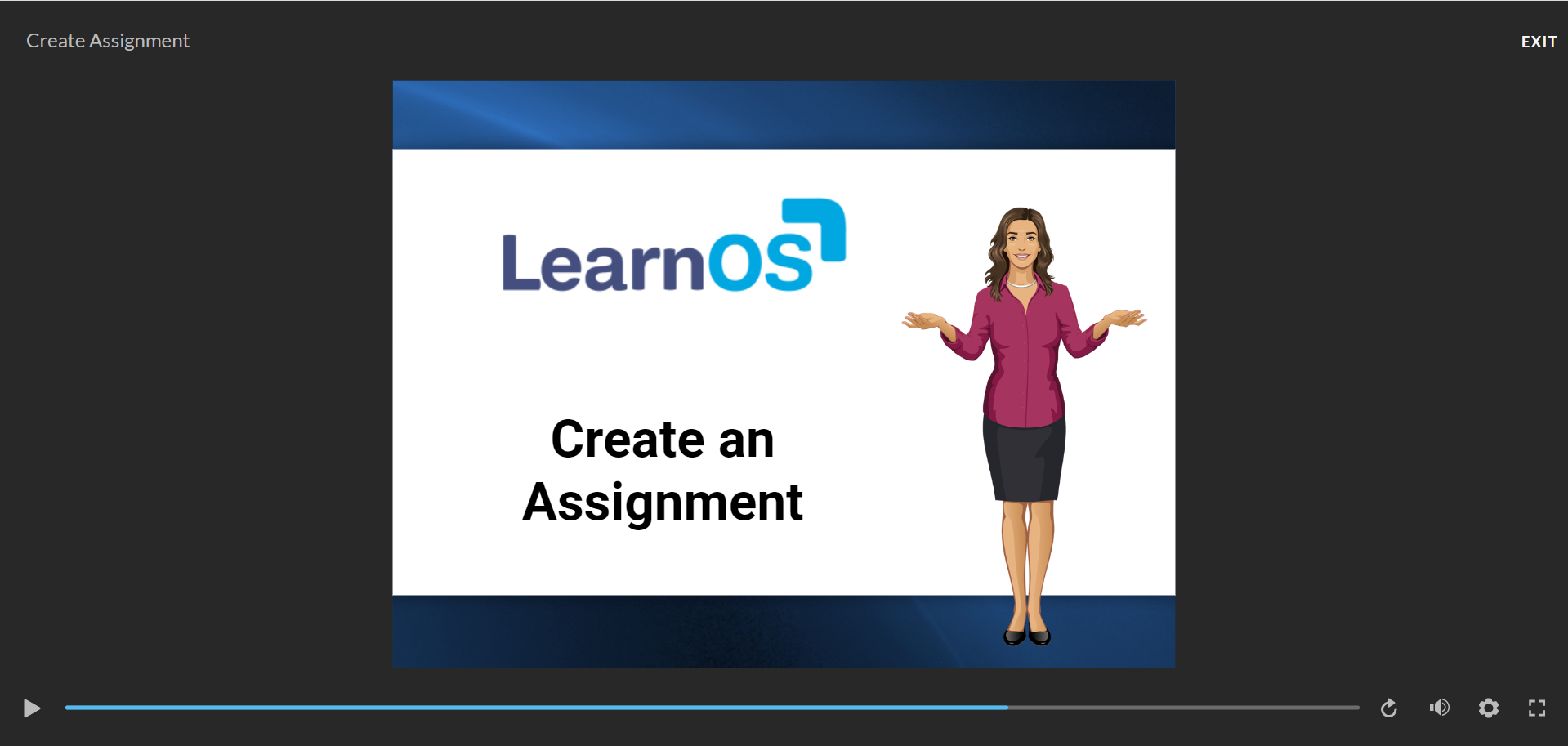
Is there any way to reduce the space in the Player for Storyline
Hello,
I have been utilizing Articulate Storyline for creating application-related courses and demos. However, I have noticed that there is a significant amount of unused space in the output. Is t...


JoseTansengco
3 years agoStaff
Hello Shilpa,
Thanks for reaching out!
If you match the slide size of your project file with the resolution of your monitor, you'll see the slide take up more space in the player. This is because the course's player automatically adjusts how the course is presented to learners depending on the screen resolution of the monitor. You can read more about Storyline 360's responsive player here:
And if you're interested in hiding the player of your course completely, you can check out this article:
Let me know if you have any questions!
ShilpaBhatt
3 years agoCommunity Member
Thank you Joe! This helps. :)