Forum Discussion

Microlearning checkbox doesnt appear in Review 360 or Scormcloud
- 8 months ago
Hello everyone!
I'm excited to share that we've released a new Rise 360 update that includes a fix for:
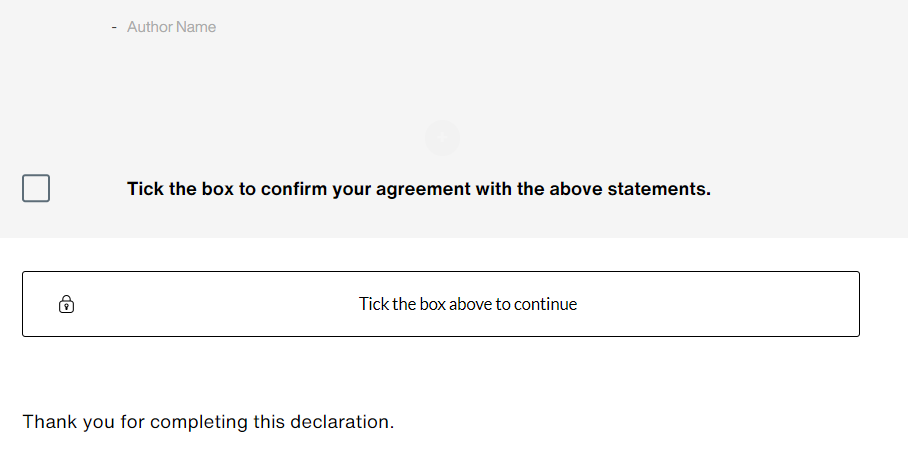
- Checkbox lists with only one item could disappear when previewed or published.
There’s nothing to install for web apps. New features and fixes are immediately available.
Let me know if you have any questions about this update!


Hi LukeBarrett-aab,
Sorry to hear that you ran into this issue.
It appears you're being affected by a known bug in Rise 360 that causes a checkbox list block with only one item to disappear if it's the last block of a lesson. Can you please try increasing the bottom padding of the checkbox list block to 80 to see if this temporarily fixes the issue for you?
In the meantime, I've added this thread to the bug report so we can notify you as soon as a fix is released.

I got the same issue but with a Rise course instead of a microlearning. Changing the bottom padding to at least 60 fixed it for me. Anything less than 60 would make the tick box disappear.
- LaurenDuvall8 months agoStaff
Hi MiguelBaranda-5! Sorry that you're running into this issue as well! We have this logged as a bug so I've added your comments to our report. Our team is currently prioritizing other bug fixes for upcoming releases but if this makes it on the roadmap, we'll be sure to update this thread!