Forum Discussion

Multiple Text Entry Quiz
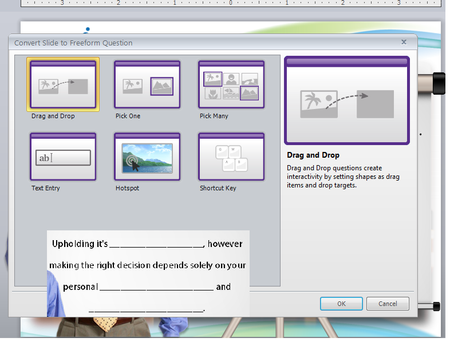

I am hoping someone can help me! I am needing to have multiple text entries graded on one slide. I followed the video and it was awesome. However, for some reason, when I publish (test) the course I did the answers show in the text fields. I've attached my test - it is slide #2. Field one should be "Ions" and field two should be "Behaviors." not case sensitive.
I found a way to remove the answers from showing when publishes; however, then even when i type the correct answers it says incorrect.
Thank you for your help!
- DianaMyers10 years agoCommunity Member
@Kandice - I'm happy to do what I can to help, but I can't open your file. I get the message that "The project id invalid or corrupt and cannot be opened. It may have been created in an earlier version of Storyline."
I'm not sure what's going on, but have you checked to make sure that the trigger is set to "ignore case?" This means that a learner can type title/proper case, all lowercase or all upper case and as long as the word is spelled correctly it will evaluate the answer as correct.
Please let me know if you repost your project file.

Related Content
- 11 months ago
- 10 years ago
- 1 year ago