Forum Discussion

New in Storyline 360: Improved Player Controls
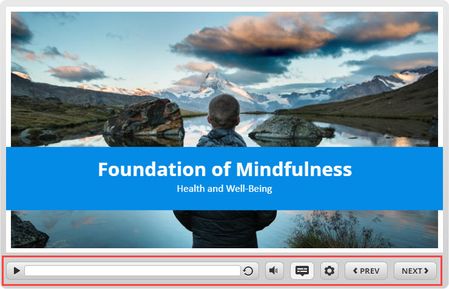

First, we love the Player Control that have been added to Articulate Storyline 360. However, while some of these controls can be turned on/off at the slide level (i.e., Menu, Glossary, Seekbar, Resources, Notes) several cannot (Play/Pause, Volume, Captions, Playback Speed, Accessibility Controls, Full Screen, Search). Can you please add Play/Pause, Volume, Captions, Playback Speed, Accessibility Controls, Full Screen, Search to "Custom Player Features for the selected slides"??
For example, if we insert a web video that has most of these (playback speed, captions, full screen etc.) having them showing on that slide is confusing. We have tried removing the player features from the inserted web video, but Articulate's player features (for the most part) don't control the web video so, again confusing for the learner.
We genuinely appreciate your help with this.
Related Content
- 9 months ago