Forum Discussion

MikeOlivieri-6f
5 years agoFormer Staff
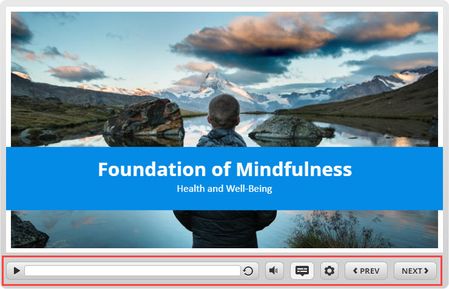
New in Storyline 360: Improved Player Controls
It’s easier than ever to give your learners an intuitive navigation experience. In our latest Storyline 360 update, now the built-in player controls are more in line with the way users interact with...

BrunoFortDeleau
5 years agoCommunity Member
Hello, it's a shame that we can't choose the position of the buttons on the play bar (CC, volume, Pplay pause, etc). I am in the process of producing a series of modules in which I have used screenshots to show learners how to navigate the resource. I will have to redo these animations.
- AnthonyGoss5 years agoCommunity Member
I, too, wish there was a way to create a more custom player using the built in components. For example, I would love to be able to have the play, pause, and seekbar components available to place anywhere on the slide in a kind of Chromeless player scenario.
- NikitaMikhaylov5 years agoCommunity Member
Exactly the issue I have. Possibility to position controls as needed would be great.


Related Content
- 9 months ago