Forum Discussion

MikeOlivieri-6f
5 years agoFormer Staff
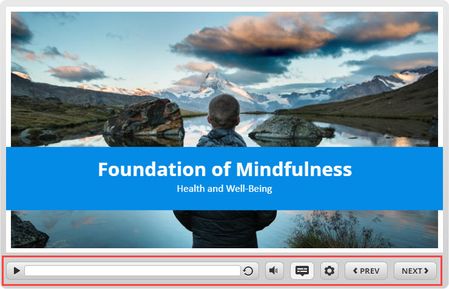
New in Storyline 360: Improved Player Controls
It’s easier than ever to give your learners an intuitive navigation experience. In our latest Storyline 360 update, now the built-in player controls are more in line with the way users interact with...

MarkKlosowski
5 years agoFormer Staff
Hi Thomas,
There is a built-in player variable that can be set to automatically enable Zoom to fit.
1. Open the variables window.
2. Select Built-In variables.
3. Scroll down to Player.ZoomToFit.
4. Change the default value for your project to True, then click Ok to save.
That will turn on Zoom to fit for your project without your learners needing to hunt for it.
If that's not working properly for you, please let us know.

Related Content
- 9 months ago