Forum Discussion

Reusing images from content library throughout a Rise Course
Hello,
I wanted to reuse the same image from content library but cannot remember the search term I used and now cannot find it. Is there any quick way to copy content library images into a different part of my Rise course without having to search for it again? I know the file is called IDCWdYrigaRu2xfY-stock-image.jpg
32 Replies
- DannyCole-685d0Community Member
Can I add my +1 to this feature request. It is really frustrating to try and re-use an image but have to go searching for it in the Content Library a second or third time for the same image when you already have this facility in Storyline. Or at least use the actual filename rather than the uniqueID-stock image format as you cannot search on the uniqueID in CL to find the image.
- ShirleyJohnsonCommunity Member
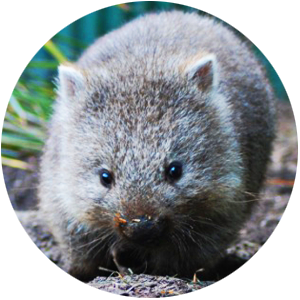
I am also having the same issue. I used an image in a Text-next-to-image block, but now I need to move the image into a accordion section and I cannot relocate the image. It's so frustrating and time consuming. If the image wasn't called something generic when it comes in, I feel like then there would be a way to search it by name, or id number, or something. Please fix. This is a screenshot of the image I'm looking for. I do not want to use a screenshot in the accordion because it will be wider there, and would lose quality:
- ChristinaClark-Community Member
+1 for this feature. There has to be a way to list the images used in a course or list the search term as file name or something. Finding images is always the most time consuming part of course building. Please make it easier for us.


Related Content
- 11 months ago