Forum Discussion

StevenBlea
1 year agoCommunity Member
Running into inconsistencies in my simulator
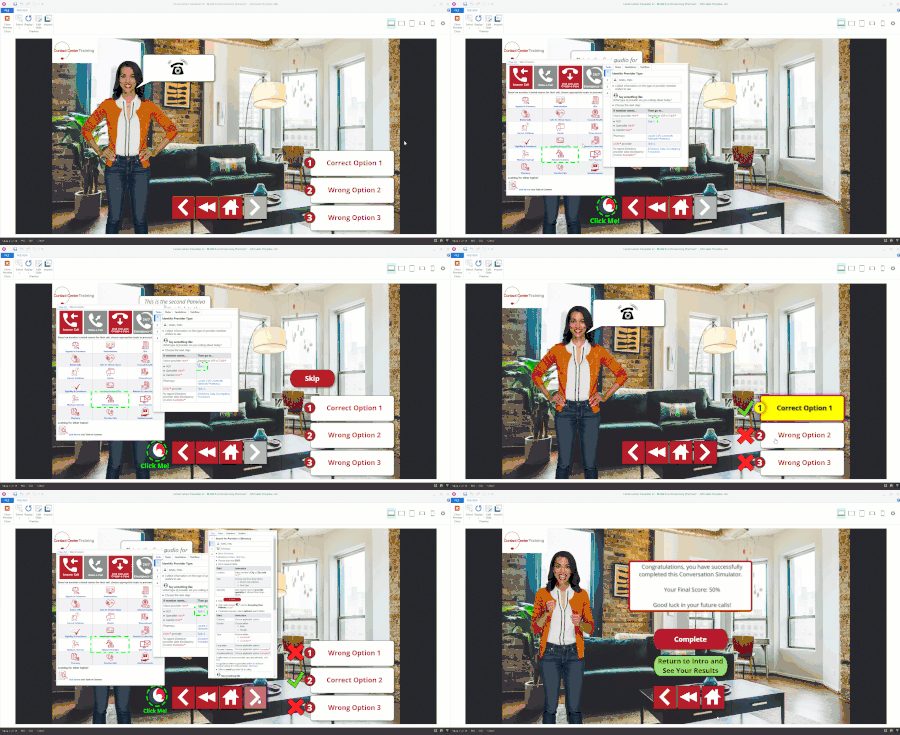
I have a conversation simulator that I've built for the contact center that I work in as a trainer. It's been a lot of work, but on a recent overhaul of it, I added a review mode that users can go th...

JudyNollet
1 year agoSuper Hero
I'll second SamHill's suggestion: checking the usage count for variables can help you spot problems.
Also, you can click the Use Count number to open details.
Here's another suggestion for troubleshooting: add temporary text boxes and insert references to the variables used on a given slide. That helps you check whether variables are being adjusted as expected.
BTW, I also agree with Sam that files should be simplified when one is asking for help in the community. Here's my boilerplate guide to best practices for uploading a .story file:
- Only include slides that are related to the problem.
- Be sure objects, layers, motion paths, and variables have meaningful names.
- If there is proprietary content, replace or delete it. For example, replace proprietary text with “ipsum lorem” text.
- Be sure to clearly describe the following in the file and/or in the post with the attachment (if you haven’t already done so): what you want to happen, what is not happening that should happen, what is happening that should not happen, and what you have already tried
Related Content
- 8 months ago