Forum Discussion

TIMOTHYKUHN
12 years agoCommunity Member
SCORM Compliant PDF - Track read, review acknowledgement
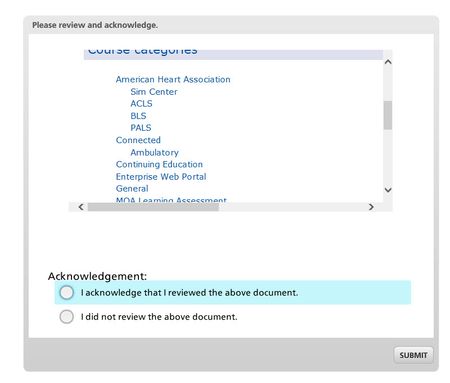
Recently I encountered an issue where I wanted to have a PDF document that I needed to track via LMS (SCORM) that it was reviewed via the user acknowledging understanding, etc.
After a few failed...
TIMOTHYKUHN
11 years agoCommunity Member
An even easier and nicer way just came to me. Instead of using insert web object use the create hyperlink..........for the link just be sure to use ..\\filename.pdf
1. Save the story file
2. publish as SCORM, but don't zip
3. copy the filename.pdf to the published articulate folder
4. Test the story.html (the link should open the relative link to the document/pdf)
5. Place all files in zip and upload to lms.
This would be great for acknowledging documents and for use of job aids. (note: the job aid template shown here was obtained from the elearning hereos website.
Related Content
- 1 year ago