Forum Discussion

SCORM Compliant PDF - Track read, review acknowledgement
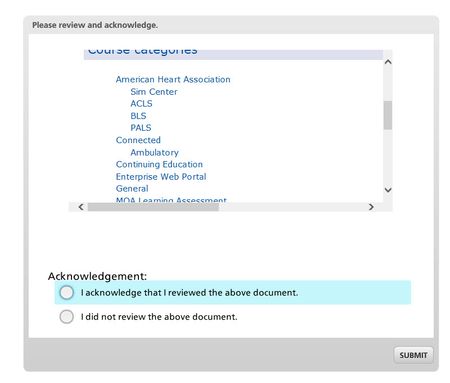
In the past I shared a way to insert webobject that pointed to an internal webpage within the published story files. However an much even easier and nicer way just came to me. Instead of using insert web object use the create hyperlink..........for the link just be sure to use ..\\filename.pdf ..\\filename.pdf naming convention is important so the relative link will work. This method doesn’t require as much time or html knowledge. The filename will just have to be known before saving and publishing………after publishing, copy and paste the filename into the articulate folder and zip and then upload to lms.
Now when the trainee clicks the Job Aid image link it will open the PDF in the browser for viewing and printing….and no need to worry about the link breaking in future due to someone change link on an outside webpage. To update pdf link/document one would just republish and reupload.
1. Save the story file
2. publish as SCORM, but don't zip
3. copy the filename.pdf to the published articulate folder
4. Test the story.html (the link should open the relative link to the document/pdf)
5. Place all files in zip and upload to lms.
This would be great for acknowledging documents and for use of job aids.
Attached is a functioning sample (zip file) and the story file.
Related Content
- 1 year ago