Forum Discussion

RebeccaFreedman
8 years agoCommunity Member
Storyline 360 - crashing
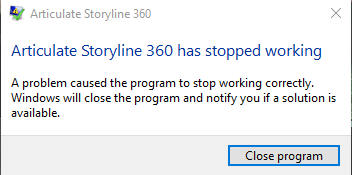
Is anyone else currently having issues with Storyline 360? My file keeps crashing every time I open it and start making changes. Right now I am unable to even work on it.

LaurenDuvall
5 years agoStaff
Hi Karen!
It looks like Liz worked in a support case with my teammate, Lianne! I'd recommend also connecting with a Support Engineer so that we can troubleshoot 1:1.
If you're saving on your local drive but you still cannot find the projects you created, there may still be a working version of the projects in your temp files. Here's how to check:
1) Open this folder in Windows Explorer: %appdata%\Articulate\Storyline
2) Scan the contents of this folder for a file that starts with the name of your project. If you find one, copy it to your desktop. If you find more than one, copy the latest version to your desktop.
3) Change the file extension of the copy on your desktop from *.tmp to *.story.
4) Double-click the file to open it in Storyline.
Related Content
- 10 months ago
- 7 months ago