Forum Discussion

Storyline block's image reverting to original state
Hi all. I have an issue that might be normal behavior, but I'm not sure and want to check with the communuity before I scrap the Storyline block.
So, I have a Storyline block in a Rise course. The block includes two checkboxes. When I view the course in a mobile browser, the block opens in a full-screen window where I can then check off the boxes.
The problem is that when I close the full-screen window, the storyline block's image does not reflect the checkboxes being selected. It reverts back to an image of the boxes unselected.
Is this normal behavior for a Storyline block in a mobile browser?
1 Reply
Hi John_Reddinger,
I'm happy to help!
I understand that when you close the Storyline block on a mobile device, the image reverts to its original state before the learner checks the boxes. This is expected behavior as Storyline blocks display a static thumbnail in Rise 360, even if the learner’s progress is saved within the interaction.
When you reopen the block, do the check marks remain selected? I tested this on my end and found that after checking the boxes and exiting full screen, the original thumbnail displays, but when reopening the block, the selections are still there.
Full Screen
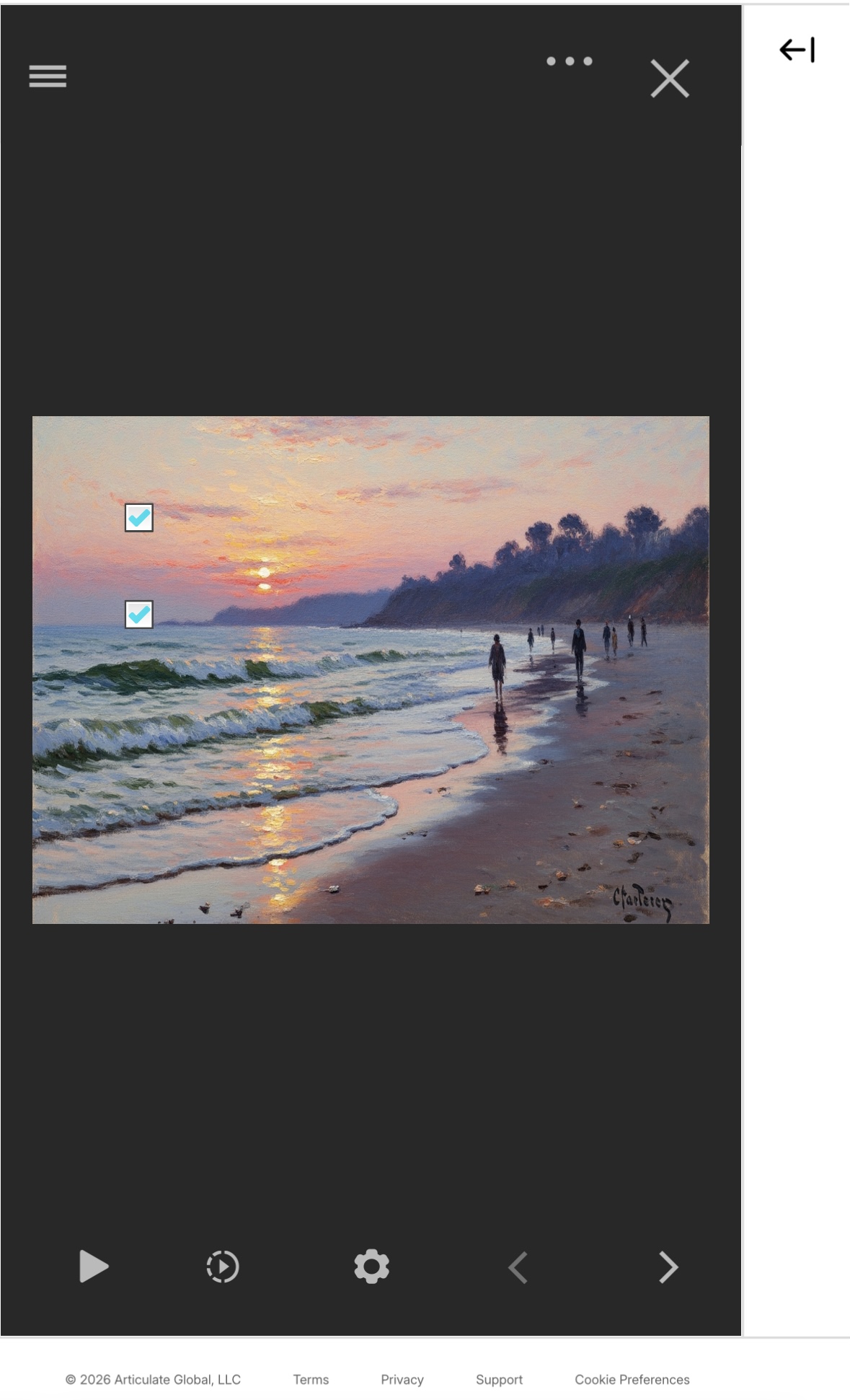 After exiting full screen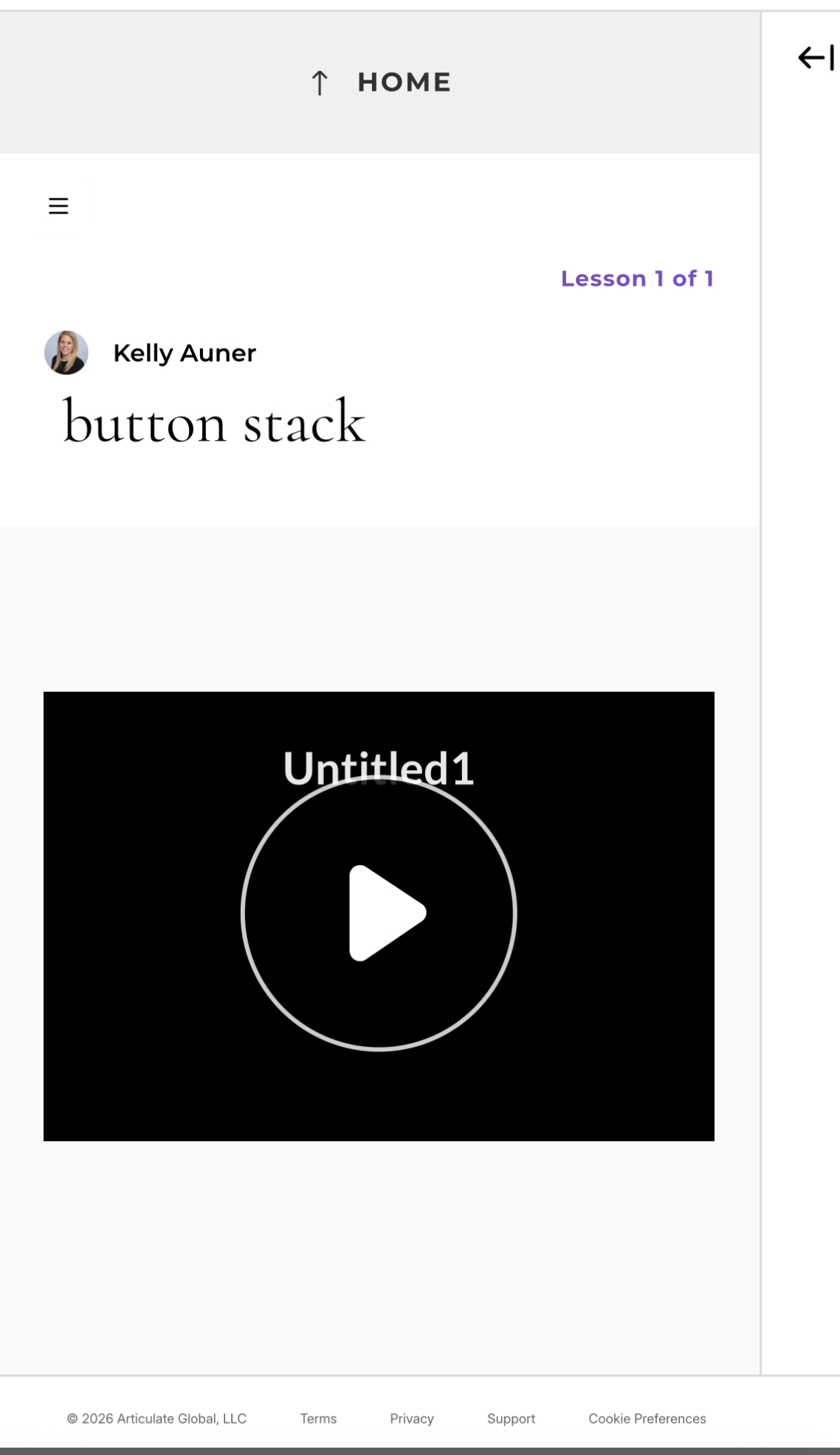
If you’re able to share a screen recording or screenshots, that could help confirm we’re seeing the same thing! You can upload those here or privately in a support case, and we'll delete them once troubleshooting is complete.
