Forum Discussion

AllisonPearson-
1 year agoCommunity Member
Storyline voice with triggers question
Hello, I am new to Storyline and enjoying the learning. I have created a new onboarding learning for my organization. On one slide, I have an introduction to our performance management process. I'...
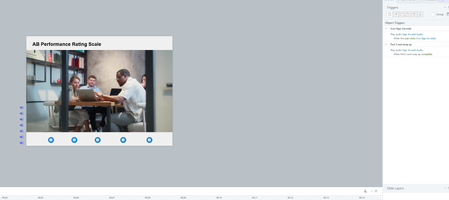
- 1 year ago
Perhaps make each voice action a separate layer. Click the trigger-object and "show" the layer. If you want it to be playable again, "hide" (close) the layer after it plays.
Also, rather than using the default marker colors, use your company's colors for branding.

AllisonPearson-
1 year agoCommunity Member
Hi Julie, thank you. I got that figured out. What I am trying to do now is figure out the correct trigger so that once they click on the icon and hear the AI voice, the icon dissappears (got to that point) and the key words in the bubble appear on the screen. I am hoping if I group them that will solve it.
Related Content
- 10 years ago