Forum Discussion

Text alignment changing after publication
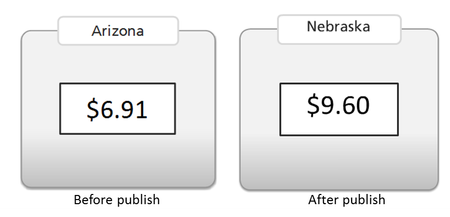

Hi Caesar! I wanted to share the resolution that was sent to Steve when he had his issue:
You may find that text shifts position ever so slightly when published. To troubleshoot, please try the following solutions:
OPTION 1
Uninstall and reinstall the Articulate font as described on the link below.
http://www.articulate.com/support/kb_article.php?product=st1&id=fnu173yqp9qx
OPTION 2:
Justify the text (rather than using Left, Center, or Right alignment). Justified text maintains positional data better during conversion than does Left, Center, or Right aligned text.
Note: If your justified text includes underlined characters, you may find that the underline gets broken between words when published. This is because text justification is designed to stretch characters to fill the width of a text box, but underlined characters do not get stretched to fill the extra spacing. If this occurs, replace the extra spaces with underscore characters and republish.
OPTION 3:
Export the text as a PNG image (right-click the text box, and select "Save as Picture"). Then delete the text box, and import the saved image in its place.
If this does not work for you, please submit a case with your .story file so that support can look into this for you.
Related Content
- 3 months ago
- 4 months ago