Forum Discussion

Variable text shrinking on the slide
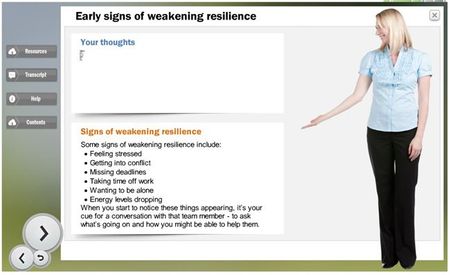

I know this is old but I'm still having a problem. I want students to type something into a text box, then later display what they wrote. If what they wrote is too long for the text box I'm showing it in later, I want it to scroll. It just makes the text really tiny. I tried Do Not Autofit and making it a shape instead of a textbox and it still happens.
- VinceScoma6 years agoCommunity Member
Hi Beth,
Thank you for reaching out and letting us know! We have been unable to replicate this issue in the current version. Would you be able to share the file that is experiencing this issue? We are more than happy to review the project to see what's happening. You can share it publicly here, or send it to me privately by uploading it here.
- BethCase-c922766 years agoCommunity Member
Unfortunately, I fiddled with it so much yesterday and finally got it (sort of) working that I don't have the broken version to share. But it still doesn't do what I want -- it seems like that's on purpose, but I want to make sure. I would like users to type in an answer and save it as a variable so I can display it later. If their answer is longer than will fit in the text box when I display it later, I would like it to scroll so you can view the whole answer without it reducing the font size (sometimes to illegibility). Is that possible?
- WendyFarmer6 years agoSuper Hero
Hi Vincent
I'm on the latest version of SL360 - here is a Peek of what's happening


Related Content
- 9 months ago