Forum Discussion

MatthewMason
11 years agoCommunity Member
Variable text shrinking on the slide
Hi,
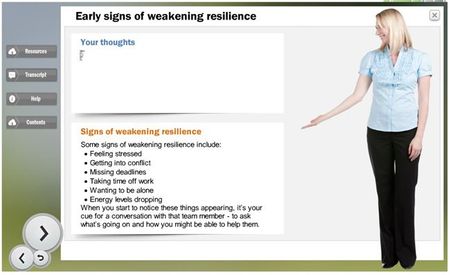
I have a resource that captures learners thoughts. This is later shown to the learners on a later slide. If the learners enter multiple lines of text, the text shrinks within the text bo...

BryanTregunna
6 years agoCommunity Member
Hi Beth. I don't have a perfect answer but this is an 'almost' solution. This won't work if the user's response is huge, but I think this might work for you if can anticipate the maximum length of response. Even then, this is not perfect:
- Add a scrolling panel where the user's response is to display (to the size you require)
- Add a rectangle shape and place this inside the scrolling panel. This will need to be the maximum size you expect the user's answer to be. Ensure the right edge of the shape is not hidden by the scroll bar.
- Add the %TextEntry% variable to the shape.
This is not a perfect solution because the scroll bar appears regardless of the amount of text entered as it relates to the size of the shape you add.
I hope someone has a better solution for you.
Related Content
- 9 months ago