ai assistant
29 TopicsEdit AI Images Using Free Windows Tools
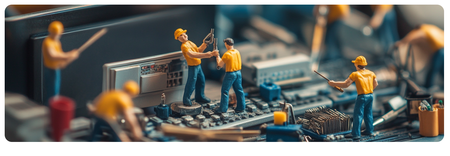
In this webinar, you'll learn how to edit your AI-generated images using free tools that are already on your Windows PC. We'll walk through practical techniques for using Microsoft Photos to polish photographic-style AI images and Microsoft Paint to refine vector and cartoon-style images. You'll see how to remove backgrounds, adjust colors, and make simple edits that get your AI images ready for your e-learning courses, all without buying expensive software.5Views0likes0CommentsBeyond Click-and-Read: Crafting Engaging E-Learning with AI Assistant
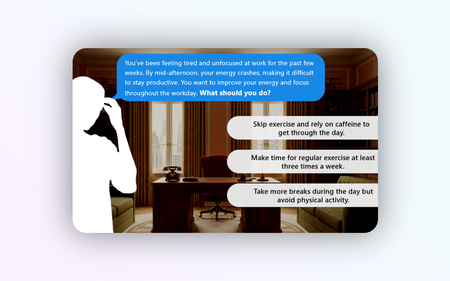
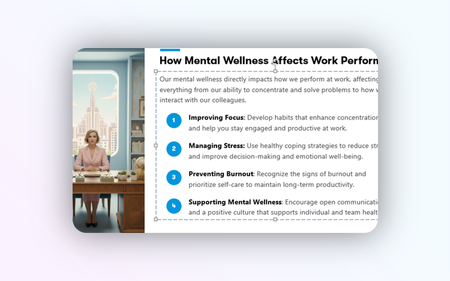
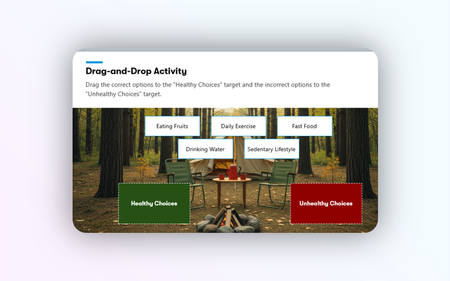
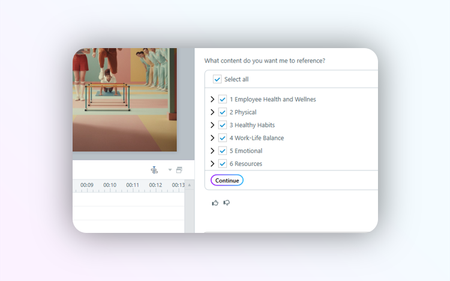
Unlock the power of AI Assistant in Articulate 360 to enhance your e-learning courses. Learn how to transform linear content into dynamic, interactive experiences. Discover practical ways to use AI features for creating impactful images, engaging interactive blocks, and effective quizzes that truly resonate with your learners.774Views0likes0CommentsOverview of AI Assistant in Storyline
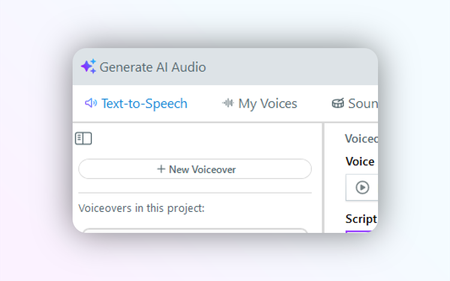
Speed up content creation and unleash your creativity with AI Assistant in Storyline. In this session, you’ll learn how to partner with AI Assistant to improve writing, generate content and images, create text-to-speech narration, add sound effects, and more.4Views0likes0CommentsCreating Images, Narration, and Sound with AI Assistant
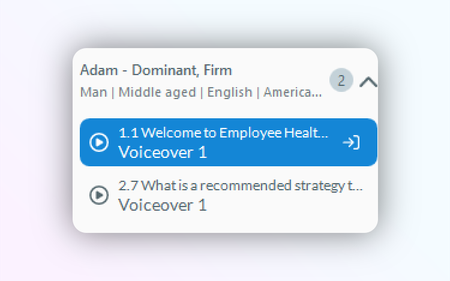
Jumpstart your multimedia e-learning journey with AI Assistant. This beginner-friendly session covers everything you need to know about generating images, recording clear audio narrations, and adding impactful sound effects. Learn essential techniques to enhance your courses with engaging visuals and audio, all powered by AI.920Views0likes0CommentsAI Assistant & Rise: Smart Strategies for Efficient E-Learning
New to AI Assistant and Rise? This session is your gateway to creating engaging e-learning content with ease. Learn how to kickstart your projects, blend AI-generated content seamlessly, and add interactivity to your courses. We'll cover practical tips for working with text, images, and quizzes to help you build impressive courses quickly.289Views0likes0CommentsOverview of AI Assistant in Storyline
Speed up content creation and unleash your creativity with AI Assistant in Storyline. In this session, you’ll learn how to partner with AI Assistant to improve writing, generate content and images, create text-to-speech narration, add sound effects, and more.1.1KViews0likes0CommentsEdit AI Images Using Free Windows Tools
In this webinar, you'll learn how to edit your AI-generated images using free tools that are already on your Windows PC. We'll walk through practical techniques for using Microsoft Photos to polish photographic-style AI images and Microsoft Paint to refine vector and cartoon-style images. You'll see how to remove backgrounds, adjust colors, and make simple edits that get your AI images ready for your e-learning courses, all without buying expensive software.364Views0likes0Comments