hotspots
2 Topics3 Ways to Use Hotspots in Storyline
This week's tip comes from John_Moore_YL at our certified training partner, Yukon Learning. A hotspot is an invisible button in Storyline 360. Hotspots can power a variety of interactive experiences. In this video, John will share three example use cases for hotspots. You'll learn how to: Add a hotspot to a slide Use hotspots to change object states Use hotspots to show layers Use hotspots to move between slides Resources: Yukon Learning YouTube Channel Need Articulate 360 Training? Sign up.14Views0likes0CommentsForest Finds
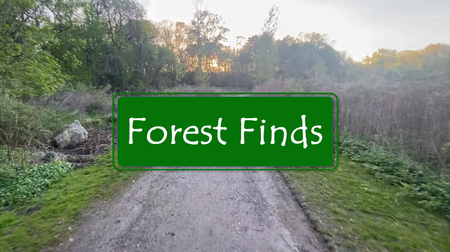
Hi there! This entry is an interactive hike designed to help learners relax and remain mindful, while enriching their encounters with relevant information. In addition to the goals requiring learners to identify specific animals and objects, there are moments between tasks that just ask for presence. Even while creating this I found myself wanting to remove/speed up the "empty" spaces and allow learners to just "get to the point" but, after reminding myself it was only a 5 minute video, excluding the time taken to read additional information, I decided to leave them in. The video was recorded on my phone while hiking, then I added voiceovers using ClipChamp and grabbed images and background information from a number of sites (available in the resource links). I can see this being expanded to add plant, insect, and maybe even landmark identifiers. Still figuring out triggers & hotspots but happy with these initial results. As this is my first eLearning challenge entry, and second Storyline creation, I welcome all feedback so I can continue learning and improving. Thank you for viewing! View Forest Finds Here