recap
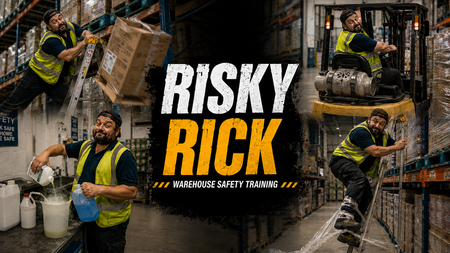
64 TopicsRISKY RICK
Click here to check it out. For this OSHA eLearning Challenge, I wanted to move away from a traditional “click-next” compliance experience and explore a more cinematic, behaviour-driven approach to warehouse safety training. Rather than focusing purely on rules and hazard identification, I built the concept around a character called “Risky Rick”, an experienced warehouse operative whose confidence and familiarity with the environment lead to unsafe decisions and shortcuts. The experience begins with a fast-paced montage sequence showing Rick carrying out increasingly risky behaviours across a warehouse setting, including: overreaching from a ladder dropping boxes using a forklift without checking the environment properly creating trip hazards with pallet wrap mixing chemicals carelessly The intention was to make the learner feel like an observer watching unsafe behaviour escalate in real time, rather than simply being told what not to do. After the montage, the experience rewinds and breaks each scenario down using freeze-frame analysis interactions. Instead of using standard multiple-choice questions, I focused on three reflective lenses: OBSERVE: the behaviour or warning sign INTERVENE: the point where action should happen CULTURE SIGNAL: what the behaviour suggests about wider workplace norms and accepted risk Visually, I leaned heavily into a gritty, cinematic warehouse style using bold typography, industrial textures, high-contrast colour palettes, and dynamic OSHA-inspired graphics. The “Risky Rick” branding was designed to feel more like a behavioural safety campaign than a standard training course. From an instructional design perspective, the project explores how storytelling, character-driven scenarios, rewind analysis, and progressive reflection can create a more immersive and memorable learning experience around workplace safety and risk awareness. Click here to check it out.866Views22likes12CommentsAre you sure?
Hello! Personally, I've always found confirmation prompts like "Are you sure?" to be a little ominous and creepy. This week's demo is inspired by the hit horror movie, #Backrooms. This was another chance for me to practice with branching video scenarios, modal screens, and pairing footage created using Rise's new AI avatar feature with environments built in Google Flow. There are seven individual videos, which are shown/hidden depending on your choices. I found the AI text-to-speech in Storyline to be very versatile - the more you go round in circles, the more desperate the protagonist of the story sounds. There are four different routes through the demo. Be warned, two of the routes end in jump scares. You only have a 66% chance of making it through to the 'good' ending on one of the routes. Fancy your chances in the Backrooms? CLICK HERE
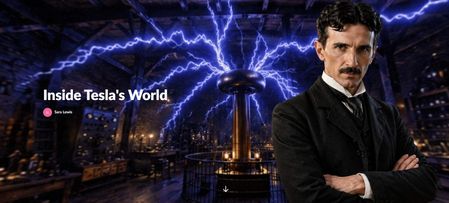
Using AI Avatars to Enhance Immersive Learning - Inside Tesla's World
This challenge was an opportunity to explore how AI avatars can be used to enhance engagement within a learning experience, not by over-guiding the learner, but by setting the tone and creating a stronger sense of immersion. Rather than using a traditional narrator or static introduction, I wanted to introduce the experience through a character. To achieve this, I first generated an expressive avatar. This allowed me to create a consistent visual identity that felt aligned with the theme of Tesla and the overall environment. The avatar is used intentionally and sparingly to introduce the experience and reappear at key moments while the learner remains in control of the exploration. This approach helps maintain immersion without overwhelming the experience. The aim was to demonstrate how AI-generated avatars can be used in a simple, practical way within tools like Rise and Storyline Check out what I created in response to this week's challenge by clicking here. to elevate storytelling, create presence, and make digital learning feel more human and engaging.649Views8likes2CommentsOne Foggy Night
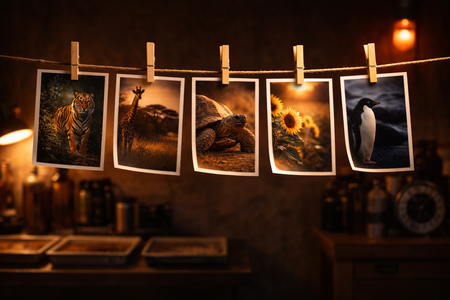
Can you identify five wildlife shots that came out blurred? I built this riddle-based interaction around a simple but satisfying mechanic — a blurred background that clears only when you get the answer right. Five "I am..." riddles. Five hidden creatures. One foggy night. Check it out here! If you think in stories first and slides second, let's connect on LinkedIn.Accordion FAQs
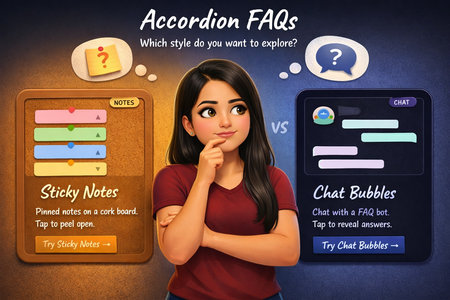
What if an accordion FAQ didn't have to look like one? For this week's challenge, I built two completely different takes. One is styled as sticky notes pinned on a corkboard, where each note peels open on click, and one is a chat conversation where tapping a question triggers a typing animation before the bot replies. Both in Storyline 360 on a 9:16 canvas, with a selection screen so you can pick which style to explore. Check it out here! Would love to connect on LinkedIn and exchange ideas!Pantone COTY 2026 - Creative GSAP 3D Effect for Articulate Storyline 360
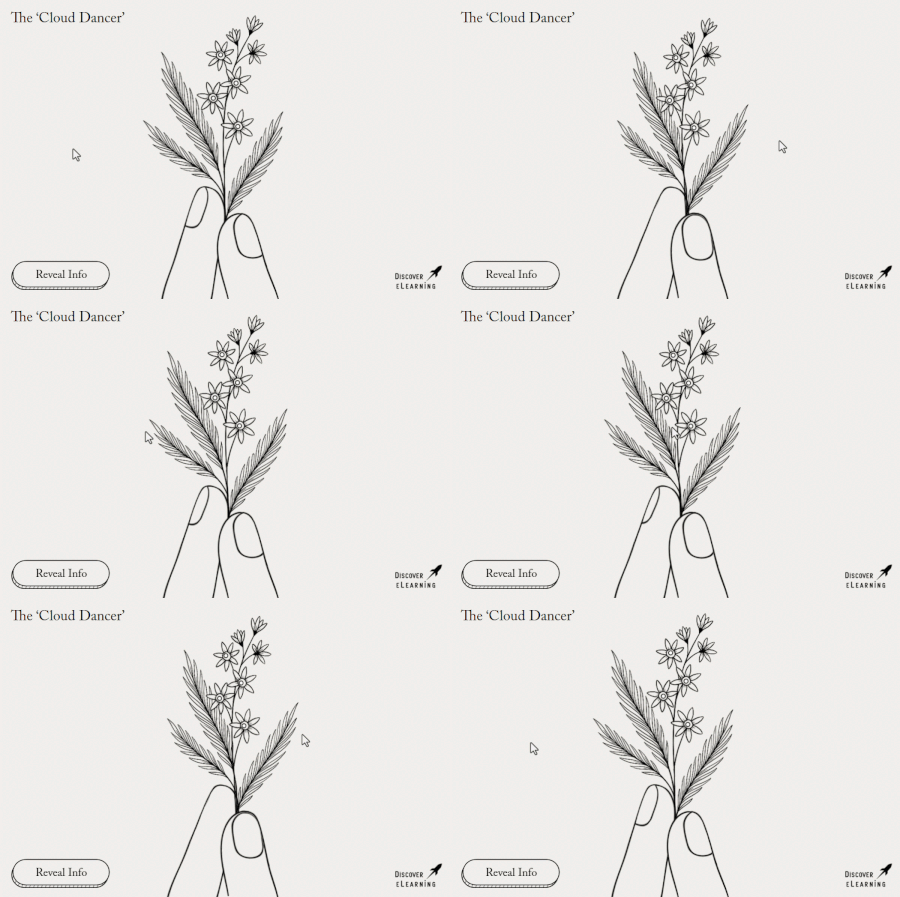
For this year's Pantone COTY E-Learning Heroes Challenge, I wanted to explore how motion and perceived depth could be pushed further within Articulate Storyline 360 with the help of the GSAP animation framework! This demo creates the illusion of a living, breathing scene that subtly responds to the user's mouse or finger movement across the screen. Combining parallax and masking techniques together with GSAP scripting, the result is an interaction where each illustrated element appears to rotate and drift in three-dimensional space, even though everything is built using flat 2D shapes. Check out the interactive version here: https://discoverelearning.com/insights/pantone-coty-2026-cloud-dancer-creative-gsap-3d-effect-for-articulate-storyline-360/The Last Impression
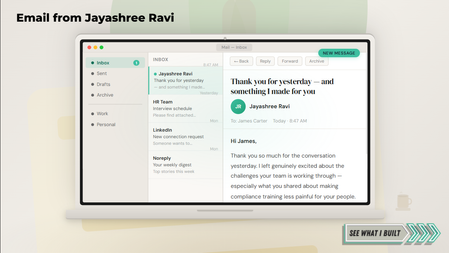
Check it out here! First impressions get you in the room. But what happens after you leave? Most candidates send a thank-you email and hope for the best. This entry makes the thank-you the portfolio piece. I may have made a guest appearance in a hiring manager's inbox for this one. The experience opens as an email mockup, unfolds into a four-tab interactive, and walks the hiring manager through the conversation, a microlearning sample, the design thinking, and a warm close. Because first impressions get you in the room. The last impression gets you the offer. If you turn every touchpoint into a design opportunity, let's connect — Jayashree RaviMeet The Leaders
Hello! For this week's challenge, I used Suno to create four Beatles-inspired tracks as a novel way to introduce a fictional leadership team. I took four regular photographic characters from Storyline and used Nano Banana in Pixlr to alter their poses to mimic the cover of the album HELP! by the Beatles. And don't worry if you've never used a record player before. In the live version of this demo there are also full instructions. The record player tonearm is actually a dial, and there's some JavaScript in the background that adjusts its position as each track plays. If you move the needle too quickly, you may make the record skip. That's not a bug, it's a feature. 😄 If you have any more questions about this build, please ask! Rock out here: https://bit.ly/elhc548 441Views5likes4Comments
RISE Course Starter Using Pantone Cloud Dancer
Hello everyone, For challenge #535, I’ve been experimenting with colour combinations while staying true to the lesson’s theme. I focused on various text features, keeping things simple and easy on the eyes. To create a pleasant visual palette, I chose soft shades with Cloud Dancer as the foundational colour. I’m excited about the possibility of further developing this course and making it more engaging with fun activities. I would really appreciate any feedback on my initial work! Course SampleMr Plow Saves Christmas
It's that time of the year again, folks! I was a little underwhelmed when Pantone announced Cloud Dancer as their next Color of the Year, but I had a lot of fun making this snow-themed interactive quiz. It's a surprisingly versatile base color. For almost as long as I have been building MCQs in Storyline, I've enjoyed showing immediate and visible 'consequences' for right or wrong answers. In this demo, a correct answer will clear the road and allow the delivery van through. But an incorrect answer will cause a blizzard, and a naughty dog will change the color of the snow in subsequent questions. Get the final question wrong, and you'll set off the car alarm, too. These little details are designed to make it more appealing to try again if you fail. So you not only improve your knowledge, but also improve the on-screen outcomes. Anything less than 100% isn't good enough. Watch out for yellow snow! The 'Mr Plow' character was made with Powtoon. Isometric assets from Freepik. Can you clear the road and help Mr Plow save Christmas? Mr Plow Saves Christmas | EngageBrainTrain.com Happy Holidays!