states
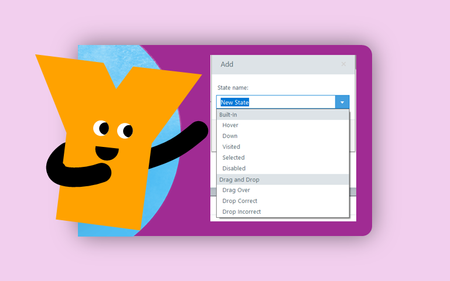
2 TopicsWorking with Built-In States
This week's tip comes from RonPrice at Articulate's certified training partner, Yukon Learning. Built-in states are typically the very first type of interactivity someone sees in Storyline. Hovering over or clicking on an object and seeing that object respond is a simple and popular effect in digital learning. It is also one of the Storyline features that gets over-programmed by new Storyline users. The beauty of built-in states is their simplicity. In this video we'll show you the basics of working with states! Resources: Yukon Learning YouTube Channel Need Articulate 360 Training? Sign up.72Views2likes0CommentsHow to Show & Hide an Object by Toggling States
This tip comes from our certified training partner, Yukon Learning. When you use triggers to change states of objects, the trigger wizard adjusts the language to "Set State". But did you know this option can be adjusted to "Toggle"? The Toggle allows you to switch an object from normal to hidden or from normal to disabled with a single button action. In this video, you'll learn: How to change an object state How to adjust the "set" state option to toggle How to toggle an object without using variables Resources: Yukon Learning YouTube Channel Sign Up for Facilitated Certified Training304Views4likes0Comments