variables
4 TopicsCould you be a Football Manager? ⚽️
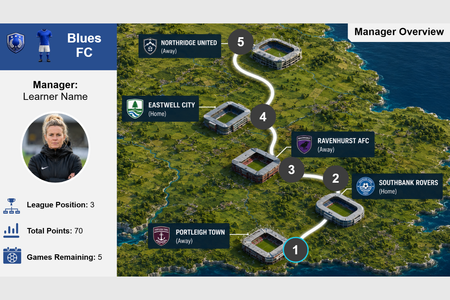
Hello there! 👋 I recently revisited the Teaching Sports with E-Learning #537 weekly challenge. I had been looking for different ways to start building out a portfolio and it had caught my attention! I love football, despite supporting Everton... and wanted to trial some gamification in storyline! ⚽ The project utilises a variety of variables that enable learner personalisation as shown below, thus I think it is also very apt for this weeks challenge. Learners select one of three manager avatars. 👱♀️ Learners select one of three teams with differing colour schemes. 🔵🔴 Each team have differing objectives for the end of the season in regards to total points, their final league position and what would result in a contract renewal. 🏆 The learners name is assigned to the manager when signing their contract. 🖊️ The objective is to achieve the objectives of the learners selected team to receive a contract renewal for the following season. 📄 Please have a look using the link and let me know your thoughts in the comments! 👇 Confession: I spent a bit more time on this than I planned! 😅 Enjoy! 😄 Link: Football Manager ModuleGameshow interaction with variables
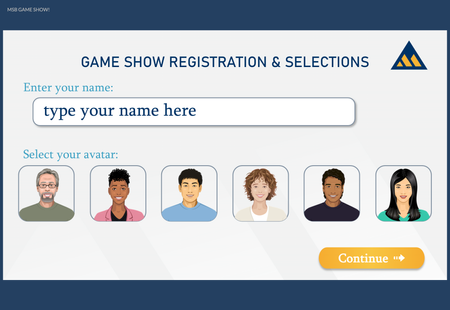
The challenge this week inspired me to recreate a gameshow-style knowledge check using variables for participants to enter their name and select a character. Here are the ways I used variables in this project: Participant Name Participant avatar (Storyline character) Participant "winnings" (score) "Winnings" (score) for two contestants (points awarded to one of the two if the user answers incorrectly) True/False variable which toggles when the user makes name/character selections to trigger a warning layer if no selections are made True/False variable which toggles when all questions have been answers to navigate to "Results" slide which uses the score variables to determine which layer to show based on which character had the highest score Here's a link to the project in Articulate Review
Foodie Frenzy - Choose your Chef
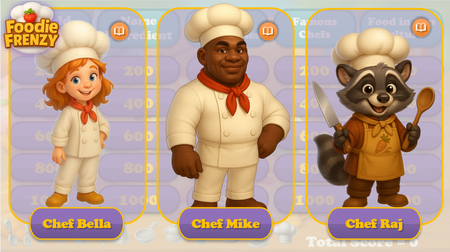
Hi everyone! My name is Ekaterina. Some of you may remember me from my previous account (Ekaterina_V), where I shared several of my projects and participated in the challenges. Since then, I was laid off from my position as an e-learning developer, and unfortunately, I lost access to my corporate Articulate 360 account. However, I'm still very enthusiastic about e-learning and Articulate, so here I am again—this time from my personal account. For this week's challenge, I'd like to share one of my older projects (hopefully that's allowed—I couldn't find anything in the rules that says otherwise!). It's a Jeopardy-style game about food, that uses variables to let learners choose their NPC chef character at the beginning of the game. Based on their selection, they receive personalized feedback throughout the course, including different character portraits and voiceovers. Once the game is completed, learners can restart it and choose a different chef to experience an alternative version of the feedback. Here are a few screenshots from the Gameplay (for this instance, I chose Chef Mike): Foodie Frenzy71Views0likes0CommentsChoose Your Character
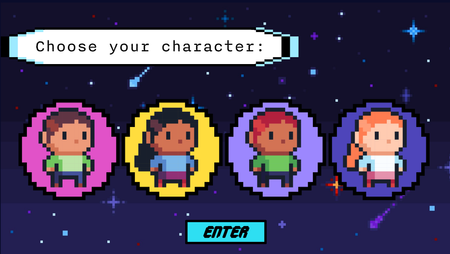
Hello Hello! This is part of a course I'm actively working on - a disability related training for supervisors. I wanted my learners to feel like they're learning but part of an 8-bit computer game. What's more computer game than picking your avatar?! I used a number variable to help keep my 4 different avatars from getting mixed up. Each avatar has a number associated with it. Depending which avatar you selected and submitted, they will show up throughout the course. Later in the course, I add in a True/False to help with a progress meter. So the learners know if they've gotten all the "things" but, I'm still working on it. Enjoy this short portion of the course! eLearning Challenge - Variables | Review 360