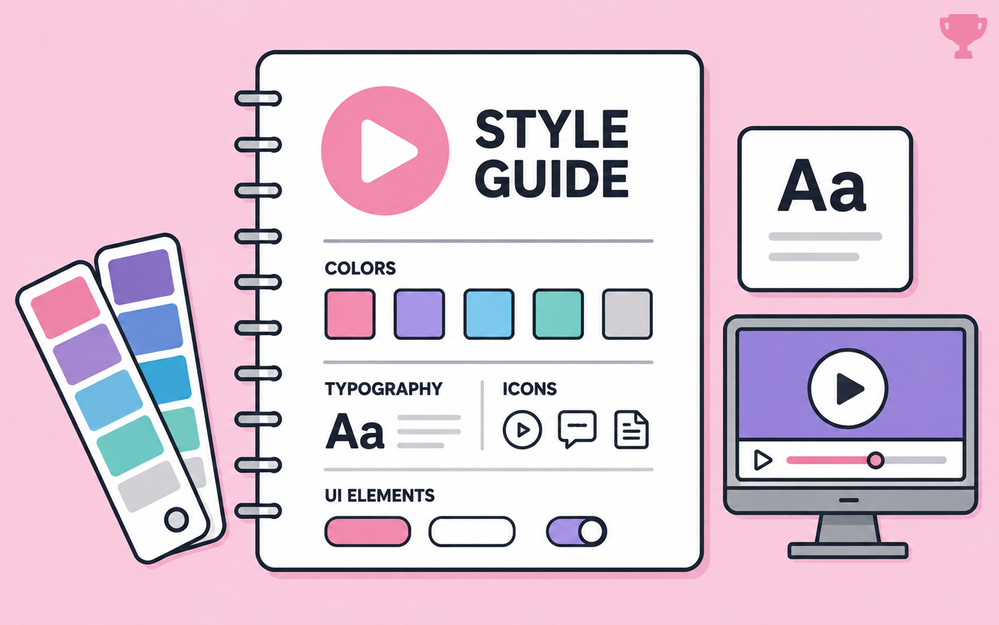

When you're building training, it's easy to make design decisions one slide at a time.
Pick a font here.
Grab an icon there.
Try a new button style because, well, it looks pretty good.
Before long, your project can start looking like it was designed by three different people.
That's where a style guide can help.
By defining your fonts, colors, graphics, navigation, and other recurring elements before development gets too far along, you create a visual system you can reuse throughout the course.
Consistency matters even more when content comes from multiple sources and those small differences start creeping into the design. And that's what this week's e-learning challenge is all about!
🏆 Challenge of the week
This week, your challenge is to create a simple style guide that defines the visual look and feel of an online training course.

🎯 Challenge goals
For this week's challenge, you will:
- Design a one-page or multi-page style guide for an online training course
- Show how typography, color, imagery, buttons, icons, navigation, or other recurring course elements work together
- Share an example that highlights your approach to building a consistent visual identity
🚀 Tips for getting started
Here's how to approach this week's challenge at the level that works best for you:
- Start simple: Create a one-page guide showing your primary and secondary colors, heading and body fonts, button styles, and a few examples of imagery or icons.
- Level up: Start with an existing company or product brand and translate its visual identity into a training style guide. Show how brand colors, typography, and graphics could carry over into course screens without simply copying a marketing page.
- Challenge mode: Build a mini design system. Include examples for title slides, content layouts, buttons and navigation, interactive states, feedback, callouts, and image treatments. You could even show a few "do this, not that" examples to demonstrate how your guidelines keep the course visually consistent.
🙌 Share your work
You put in the effort. Now make sure your work gets seen:
- Personal blog: If you have a blog, write about your example from this week's challenge and share the link with your submission.
- Social media: Share your examples on LinkedIn and mention both David and Articulate using the #ElearningChallenge tag so we can help promote your work.
- Peer feedback: Try leaving helpful feedback on at least three projects this week.
- Community forums: Cross-post in the forums to give your work even more visibility.
🙌 Last Week’s Challenge:
Before you define the look and feel of this week’s challenge, take a look back at the challenge where you got to choose your own direction:

Choose Your Own E-Learning Challenge (2026) #563: Challenge | Recap
👋 New to the E-Learning Challenges?
The weekly e-learning challenges are ongoing opportunities to learn, share, and build your e-learning portfolios. You can jump into any or all of the previous challenges anytime you want. I’ll update the recap posts to include your demos.
Learn more about the challenges in this Q&A post and why and how to participate in this helpful article.
