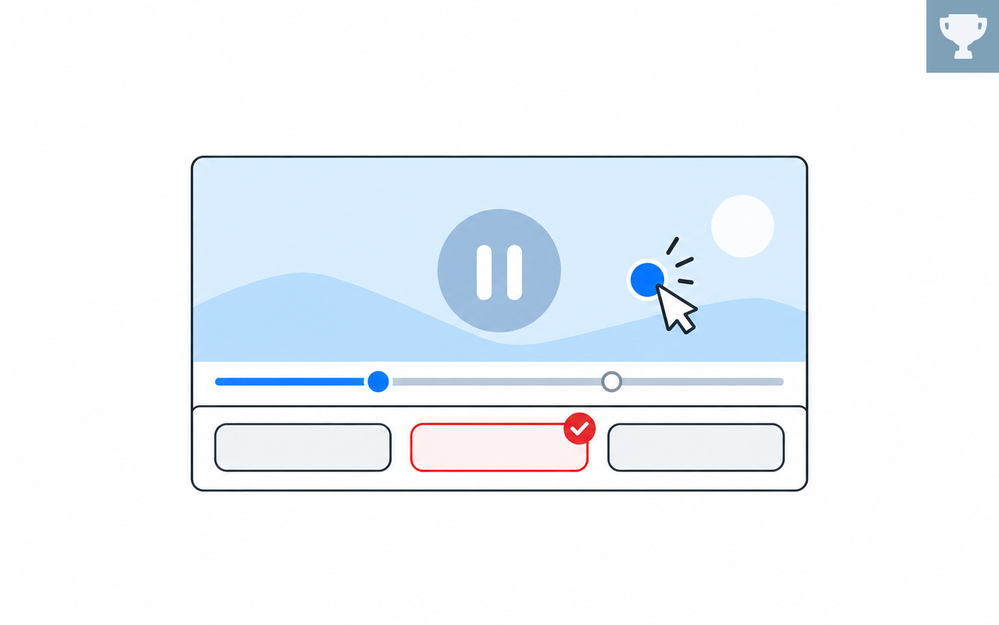

Think about the last time you learned something from a tutorial video. Chances are, the real learning clicked when you paused it and tried the steps yourself. Now imagine building that hands-on moment right into the video.
Video's great for showing processes, demonstrations, conversations, and real-world situations. But pressing play doesn't automatically make something engaging. The real opportunity comes when learners have something meaningful to do with what they're watching.
So what does doing something meaningful look like?
It could be as simple as pausing the video after a key point to overlay a question or adding a timed hotspot that reveals extra details. Or you could try something more dynamic, like branching learners to a different clip based on their choices.
Whatever method you choose, the goal's the same: give learners a reason to do something with the video instead of just watching it. And that's what this week's challenge is all about!
🏆 Challenge of the Week
This week, your challenge is to turn a linear video into an interactive learning experience. Look for ways to engage learners by getting them to click, choose, respond, explore, or make decisions during the video.
Storyline users: Include at least one interactive technique, such as hotspots, branching, decision points, knowledge checks, overlays, or learner-controlled navigation.
Rise users: Try the new interactive video format and add checkpoints that prompt learners to reflect on or do something with what they just watched.

🙌 Share Your Work
You put in the effort. Now make sure your work gets seen:
- Personal blog: If you have a blog, write about your example from this week's challenge and share the link with your submission.
- Social media: Share your examples on LinkedIn and mention both David and Articulate using the #ElearningChallenge tag so we can help promote your work.
- Peer feedback: Try leaving helpful feedback on at least three projects this week.
- Community forums: Cross-post in the forums to give your work even more visibility.
🙌 Last Week’s Challenge:
Before you hit play on this week’s challenge, rewind to review last week's interactive timeline examples your fellow community members shared:
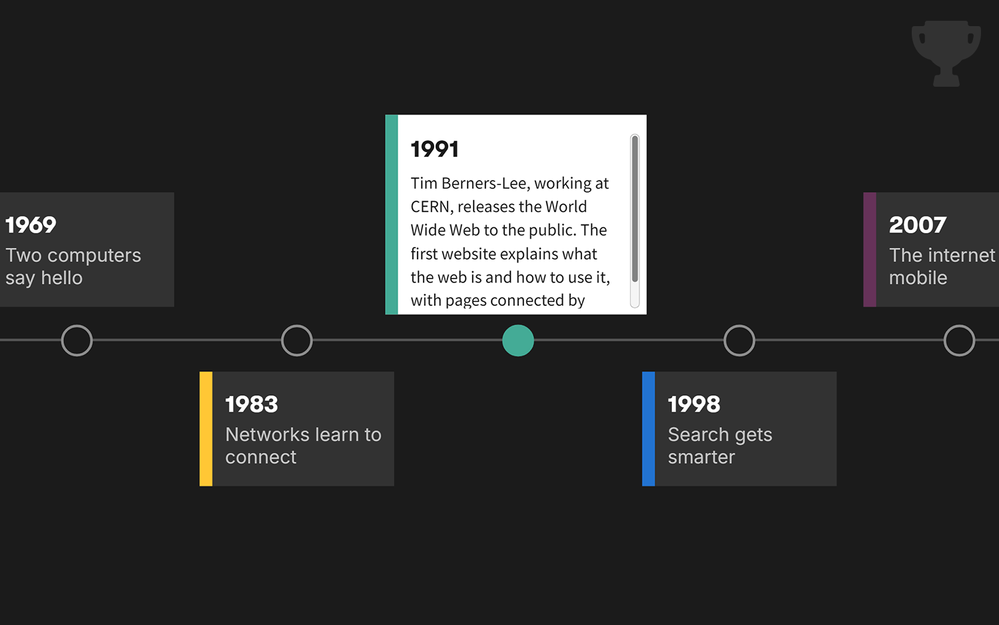
Using Interactive Timelines in Online Training #567: Challenge | Recap
👋 New to the E-Learning Challenges?
The weekly e-learning challenges are ongoing opportunities to learn, share, and build your e-learning portfolios. You can jump into any or all of the previous challenges anytime you want. I’ll update the recap posts to include your demos.
Learn more about the challenges in this Q&A post and why and how to participate in this helpful article.
