Forum Discussion

Build an Accessible Drag and Drop Interaction in Storyline
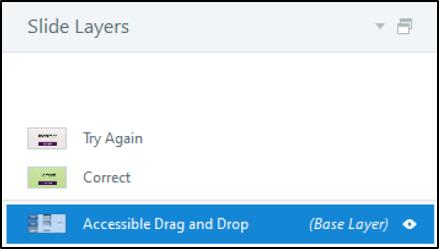

Hello Sally, I know that this thread is a little older, but I have found the information here very helpful. I've managed to re-create my own version of the drag and drop with keyboard access. However I've noticed two things:
- You need to have at least two drag items for it to work properly. Just an FYI.
- I've lost the mouse functionality. When I drag and drop with mouse, the wrong feedback layer appears...
Do the mouse triggers need to be added in? Thanking you in advance for your help.

Hi BeeKay19,
I'm happy to help!
I understand that the correct feedback appears when using the keyboard, but the wrong feedback appears when dragging and dropping with the mouse. Does this occur when previewing the slide, after publishing the course, or both?
I’d like to take a closer look at what’s happening. If you're comfortable sharing your .Story file, you can upload it here or share it privately. We'll test it to see if we can reproduce the behavior!