Forum Discussion

Change bullet color in Rise
- 3 months ago
Hi everyone,
I'm happy to let you know we released a new update for Rise 360. This update adds the following feature:
- Use the Bullet Style options in the text formatting toolbar to modify the size and color of bullets and numbers in lists.
There's nothing to install for web apps. New features and fixes are immediately available.
Let me know if you have any questions about this update!



- PhilFoss2 years agoCommunity Member
Glad that worked Donna, and I did not try it with the list block type, with that block it looks like it locks you into the accent color for the bullet/marker color, but I'm glad you got this method to work in that block also.
- DonnaBassolino2 years agoCommunity Member
Did their new upgrades mess this up ?
I had it working ... and now it works in preview - but once I close the edit window in Rise - it all reverts back to the black dots ... ugh ?
(The extrme colors are for testing purposes)
- PhilFoss2 years agoCommunity Member
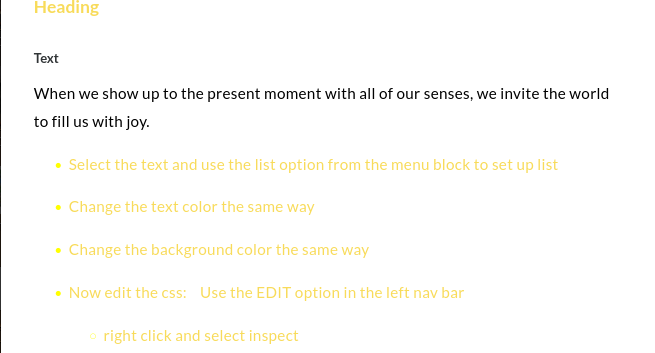
Still works for me, I've noticed sometimes you need to make an additional edit in the text editor before hitting preview, to lock in that change. But the new contrast settings seem to take care of this is in most cases, but it seems that it will only use white or black. So if you want yellow you can still use the inline css method.


Related Content
- 1 year ago
- 1 year ago
- 5 months ago