Forum Discussion

Characters Randomly Appearing When They Aren't Supposed To

Hi MarkBusch,
Thanks for reaching out!
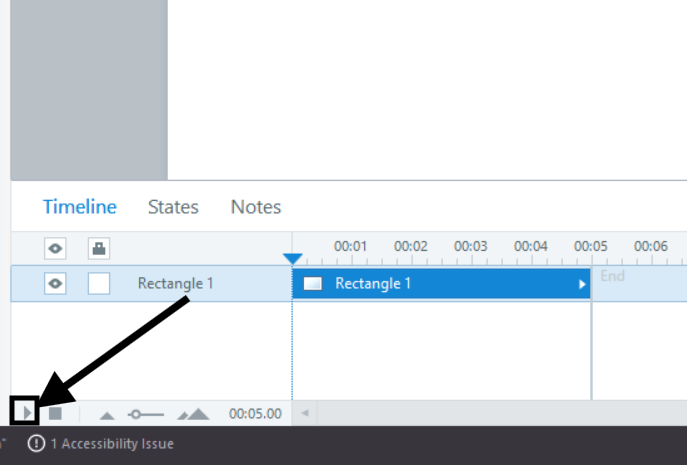
You are right that your animations work correctly when you play the slide from start to finish using the Play button in the Timeline panel (as shown in the screenshot below).
The reason characters appear unexpectedly when you drag the playhead is that Storyline does not run earlier triggers or animations when you scrub to a different point on the timeline.
It only shows the current state of objects at that moment. That can make some items appear even though their entrance animations have not played yet.
This is normal behavior. The good news is that this only affects the editor view. When you preview or publish the full slide, everything will play in the right order.
Please don't hesitate to reach out if you have additional questions.
Related Content
- 1 year ago