Forum Discussion

Code Block Creator Tool
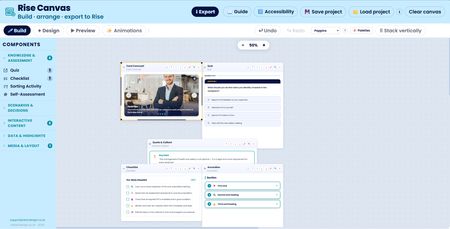

New update to Rise Canvas
Rise's built-in carousel/process block is fine. Cards in a row, click to advance. You know the one.
The Card Carousel builder gives you a lot more.
Two modes, one builder
In standard mode you get content cards, icon, heading, body text, an optional image, and your choice of slide, fade or flip transition. Choose how many you want, set your colours, pick a direction, toggle the dots and counter. The usual controls, done properly.
Switch on image-only mode and it becomes something different entirely: full-bleed photos, edge to edge, cross-fading between them. Add a caption overlay if you want, heading and body text over a gradient at the bottom, or leave it clean. Either way it looks nothing like a standard Rise block.
The part that's actually new
Turn on auto-advance and the carousel starts itself. Not on page load, it waits until the learner actually scrolls it into view, then kicks in about a second later. Set the interval anywhere between two and ten seconds. It pauses when you hover over it, picks up again when you move away, and backs off if the learner's device has reduced motion turned on.
Manual controls stay live throughout, so it's never on rails.
What it's good for
A scrolling gallery of site photos. A rotating set of key messages. A before-and-after sequence. Anywhere you'd normally drop in a static image and think "I wish this moved"
Related Content
- 4 months ago
- 11 months ago
- 11 months ago
- 9 months ago