Forum Discussion

Custom block not displaying in LMS
- 1 year ago
Weird update... I started working through your recommendation's when it occurred to me that I was working in a really OLD rise course and adding the new blocks. I built a new course from scratch and the new beta blocks work fine in our LMS.
The issue only seemed to be replicable if the new beta blocks were added to an older Rise course -- rebuild it and the issue goes away!
I'm happy to report that new course development with the new beta blocks consistently display as intended in our LMS!

Hello! Is there any resolution on this? Our courses which were created in 2026 with custom blocks are experiencing hardships on our LMS. The custom blocks simply don't show up, whether we use a template or start with Blank. Any help is most appreciated.
- ShruthiMoon7 months agoCommunity Member
And we have tried this:
Our team has identified a separate bug from the one discussed earlier in this thread. This bug causes intermittent loading of Rise 360 Blocks when Entrance Animations are enabled. I've linked this discussion to the bug report so we can notify you as soon as a fix is ready.
In the meantime, as a workaround, we suggest disabling Entrance Animations if possible. This setting can be found under Theme > Blocks > Entrance Animations.
- EricSantos7 months agoStaff
Hi ShruthiMoon,
Thanks for sharing the steps your team has already tried.
The issue you referenced related to blocks not appearing when Entrance Animations are enabled was recently fixed. If you’re still seeing custom blocks fail to appear in your LMS even after that fix, it may be a different issue than the one mentioned earlier in this thread.
Since your courses were created recently and the problem is happening with both templates and blank courses, the best next step would be for our team to take a closer look at your course and the published output.
When you have a moment, please open a support case and share a copy of the Rise course where this occurs, along with details about your LMS environment. That will help us test the behavior and determine what might be preventing the blocks from loading.
We’ll be happy to investigate this further with you.
- MelissaStroup-99 days agoCommunity Member
Hello EricSantos
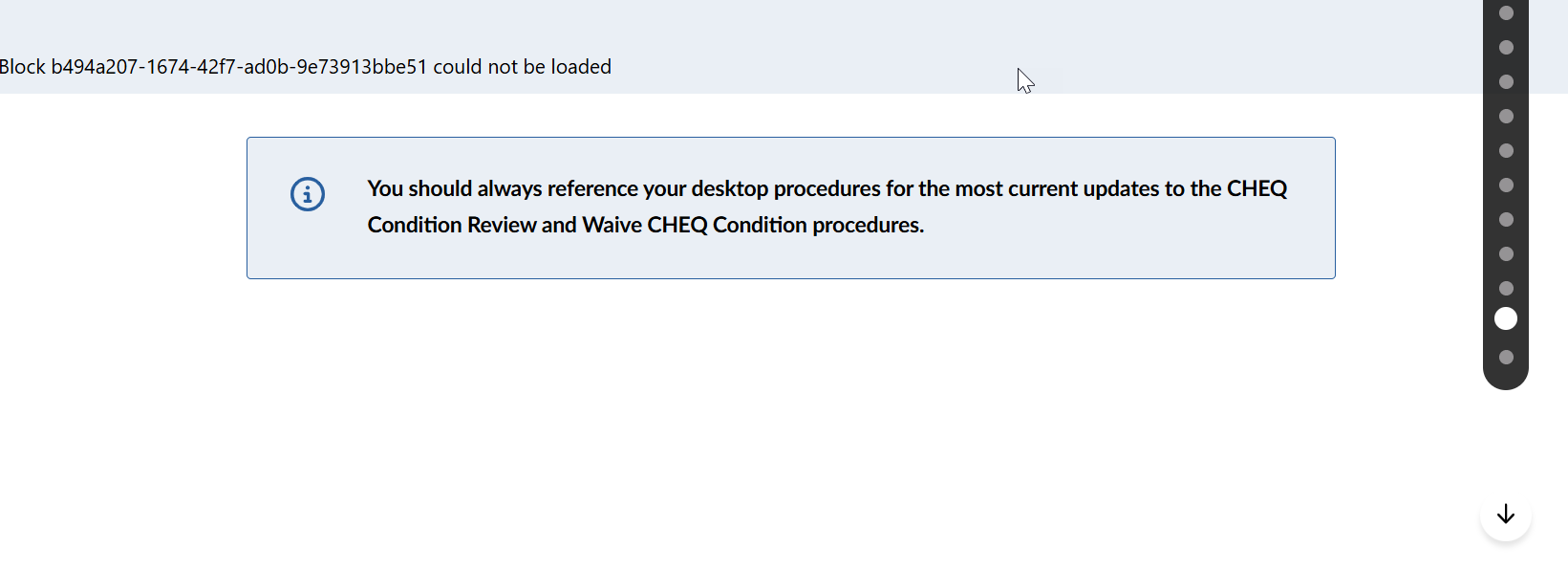
I found this thread in researching similar issue: localized (using cool Articulate localization) Rise courses - for first attempts in LMS only - randomly some of the custom blocks will not display. It is just blank. Until the page is refreshed, or we exit and re-enter the course. Then everything displays.
I have a ticket already on this. We've extensively tested in SCORMCloud, and multiple LMS's. It works in SCORMCloud, so thought the issue was LMS - related. But, our LMS engineers are unable to find a solution.
So, I went ahead and disabled the entrance animations per this thread, and that fixed the issue. Can you help me understand when this intermittent bug was fixed?
Our localized courses in question were created this year, and localized from the English courses that were end of last year, and early this year.
Any insight you can share will be appreciated! Thank you!


Related Content
- 1 year ago