Forum Discussion

Editing from Media Library with PhotoShop

Hello Storyline Team,
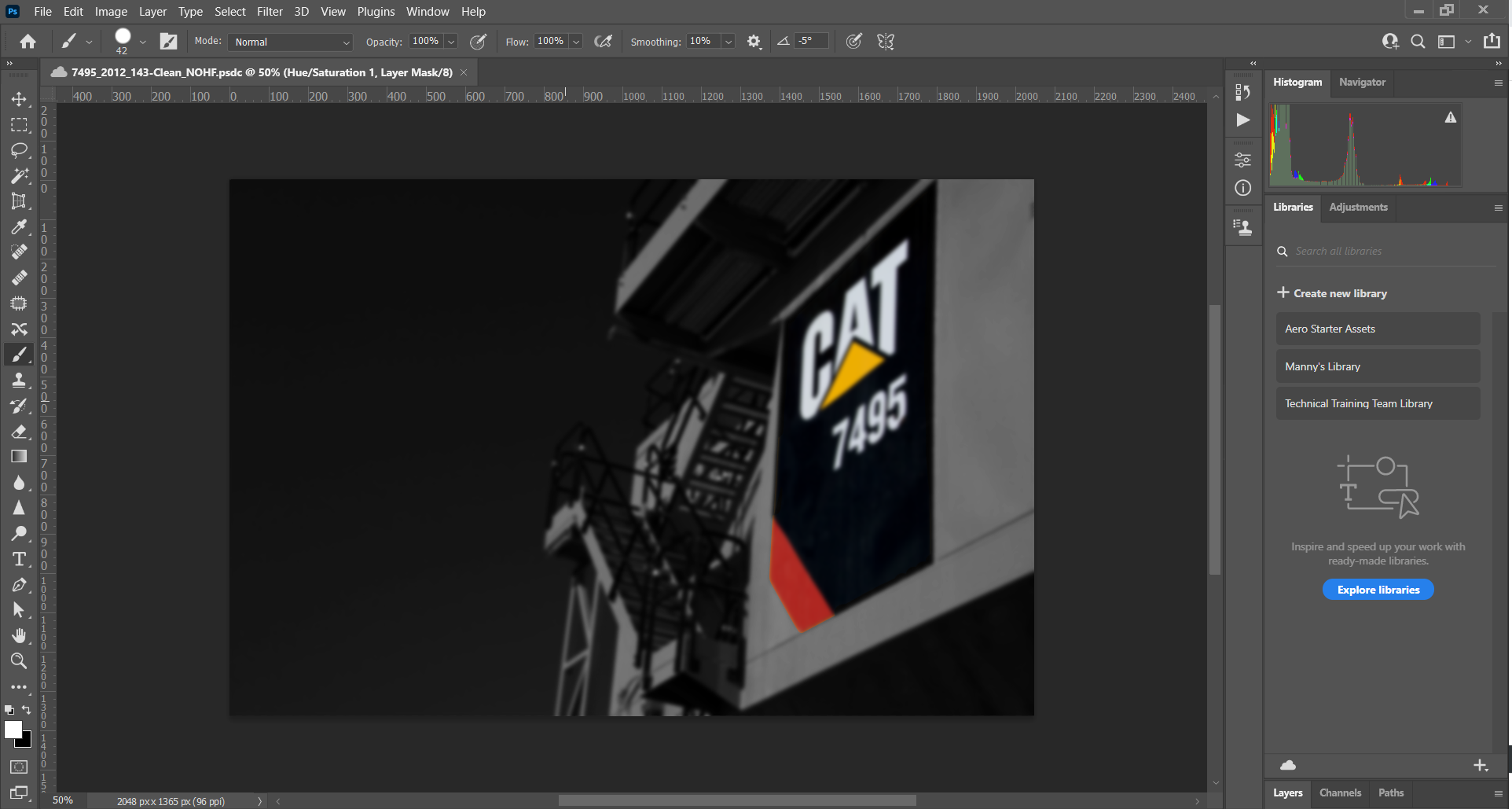
I am a Photoshop user by nature and I am working on creating some Web Based Trainings in Storyline, I recently found this feature in the Media Library. However, when I choose Photoshop, edit my image, save and exit the window. My changes are not being made in Storyline. This would save time from exporting and importing into Storyline. Hopefully someone can help or make these changes in the next update.


Hello Manuel!
I understand that you're exporting images from the Media Library to edit in Photoshop. Any changes you make to the image in Photoshop will not automatically adjust the image that is still in the Media Library. Instead, you'll need to import the edited file back into Storyline 360.
I'd recommend using Replace Picture instead of importing the edited image into the Media Library.