Forum Discussion

Extra space on the right and left sides of Storyline player that I can't get rid of :)
Hi!
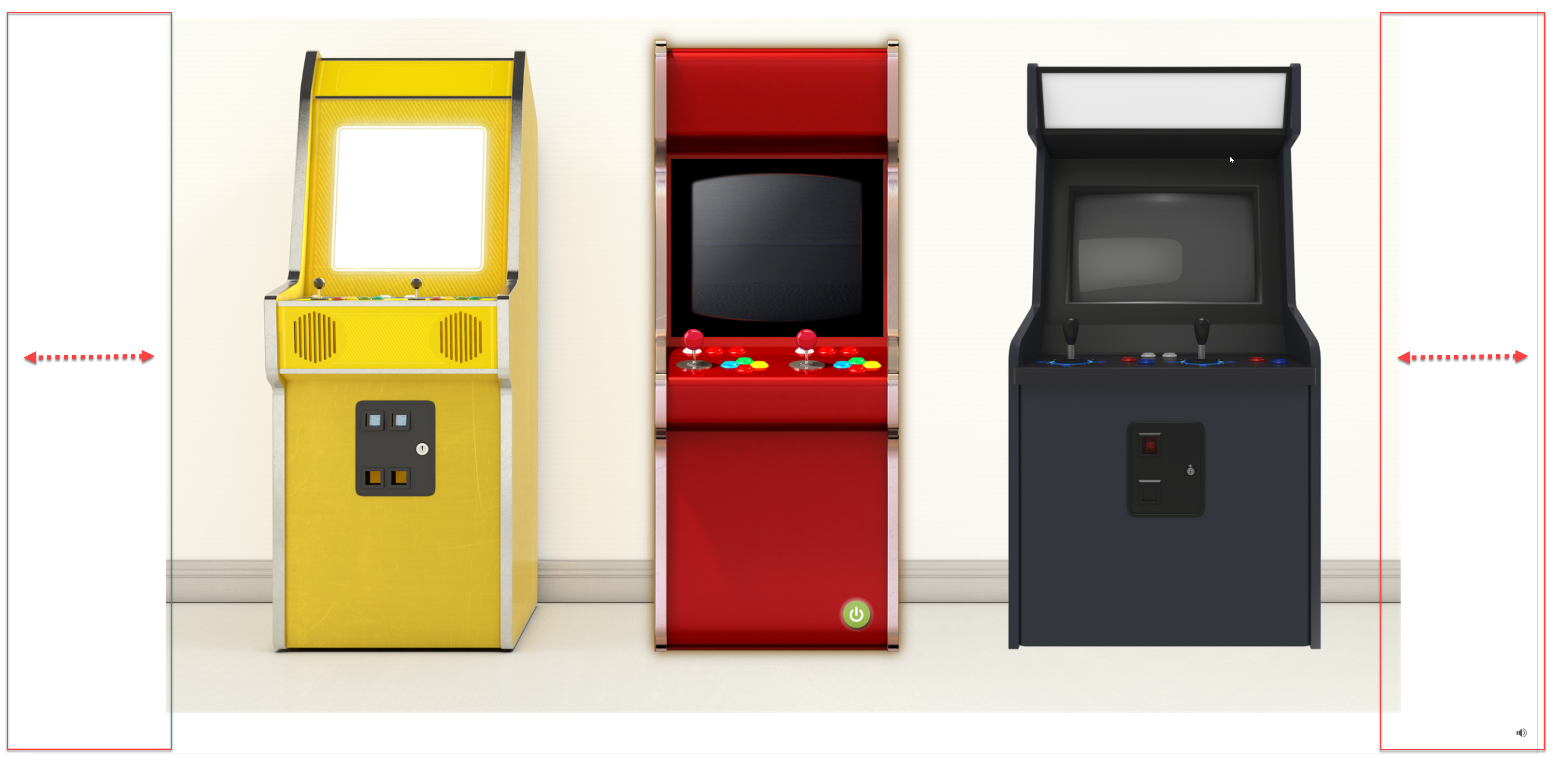
I am stumped! I am developing a course in Storyline 1 and I can't figure out why there is extra space on either side of the player. See image "Client A." I want it to look like "Client B."
See the difference in the player footprint size - while the slide content size itself is the same across both
Anyone have an idea of what could be causing the extra space?
Thank you!
Brooke
19 Replies
- JenniferHanc395Community Member
Hi Jennifer,
I'm so sorry to hear you're experiencing this as well. Thank you for sending along screenshots. Happy to help!
I have a few questions in order to better assist you:
1. Have you double-checked that you are launching the course in a browser window and setting the window to display at full screen?
Here is a screen capture Lauren shared earlier in this thread so you know where to look: Link
2. Do you know what the resolution is for the monitor being used to view the course?
3. What is the current slide size?
- JenniferHanc395Community Member
Hi Luciana,
I had the Menu turned "ON". That fixed, it, thank you so much for helping me so quickly!
Hi Jennifer,
Wonderful news! I'm so glad to hear that this did the trick!
Hope that you have a great start to 2023 and happy developing! ✨
- JenniferHanc395Community Member
Oh thank you, Luciana! Same to you! :)
- EricaStones-c97Community Member
Hello! I am experiencing this issue as well. I have a SL game that I'm trying to use as a block in a Rise course. I would prefer to turn off the player, but I need the volume control available.
My slide size is 16:9 (1280x720). I checked every slide and made sure nothing is ticked on in the slide properties.
Am I missing something? Thanks :)
- JohnMorgan-c50cFormer Staff
Hi Erica,
Thanks for asking about this! What you are experiencing is the scalablity feature of the modern player. This is the modern player's expected behavior. When the game opens in a browser window the space on the sides of the game will change as you change the size of the browser. Here is a Peek video of scalability in action!
I hope this clarifies things!







Related Content
- 11 months ago