Forum Discussion

CatherineBeg727
5 years agoCommunity Member
Help with a corrupt file
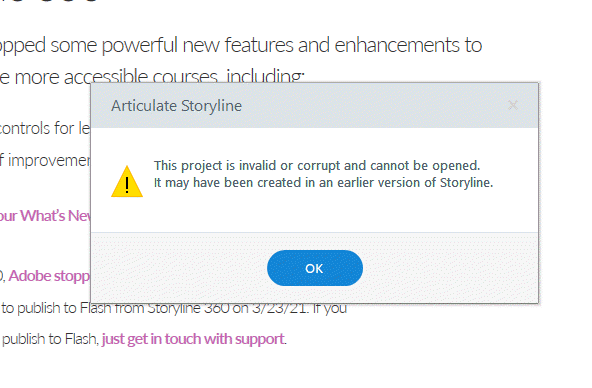
I have a portfolio that I created in Storyline 360, I may have started it in Storyline 2 a long time ago. I can not for the life of me get it to open. It is saying it could be corrupt. I have attac...

BeccaLevan
5 years agoCommunity Member
Oh no, Catherine, I know seeing this error is stressful!
I see the same error when I try to open your file. Have you checked your Temp Files yet? There may still be a working version of your project there:
- Open this folder in Windows Explorer: %appdata%\Articulate\Storyline
- Scan the contents of this folder for a file that starts with the name of your project. If you find one, copy it to your desktop. If you find more than one, copy the latest version to your desktop.
- Change the file extension of the copy on your desktop from *.tmp to *.story.
- Double-click the file to open it in Storyline.
File corruption can happen, even if you’re following all the recommended best practices. Here are some things you can do to prevent this from happening again.
Please keep us posted!
Related Content
- 5 months ago
- 9 months ago
- 3 months ago