Forum Discussion

Image Degrade in Rise 360
Hello!
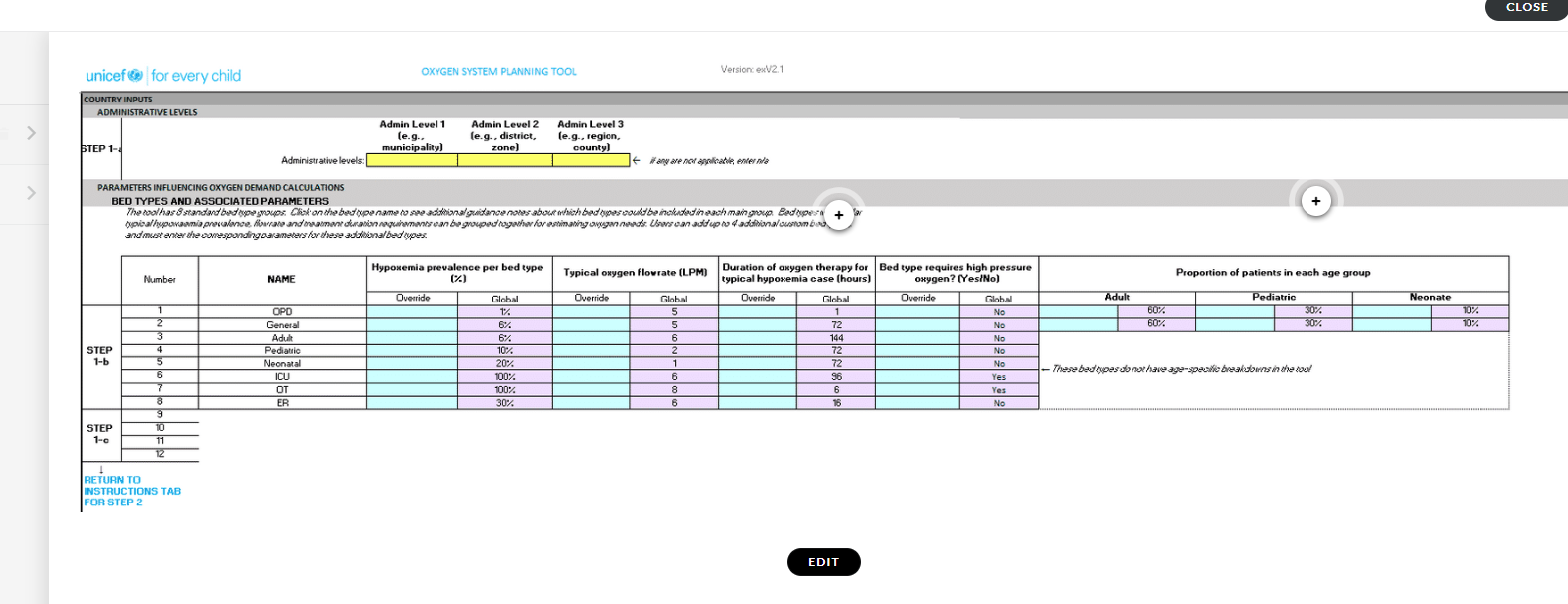
I have submitted several different images into a Rise 360 course that often show as blurry when outside of the Edit screen. The instructions that I have found only vaguely suggest being as high res as possible. We have published high res, vector logos with odd blurriness and screenshot PNG's (the latter is attached). We need as much clarity as we are giving a "tour" of an Excel Tool.
Most posts I see on this issue are only in Storyline.
As I'm working with a graphic designer on a few images, please point us in the right direction so she can adjust her settings, etc, when exporting from Illustrator.
Appreciate any help!
1 Reply
- KarlMullerCommunity Member
Hi Katie,
Rise automatically compresses images which could cause the blurriness.
Pro Tip: If you'd like an image to keep its specific file format and not undergo compression, you can opt-out of image optimization on a case-by-case basis. Just add
_NOPROCESS_to the name of your image file. It'll upload and display exactly as you saved it. Keep in mind that file size limits still apply.For example, a file named car.png would be renamed car
_NOPROCESS_.pngSee https://articulate.com/support/article/Best-Practices-for-Images-Videos-and-Audio-in-Rise-Courses


Related Content
- 7 months ago
- 16 days ago