Forum Discussion

Introducing Annotated Screenshots in Review360
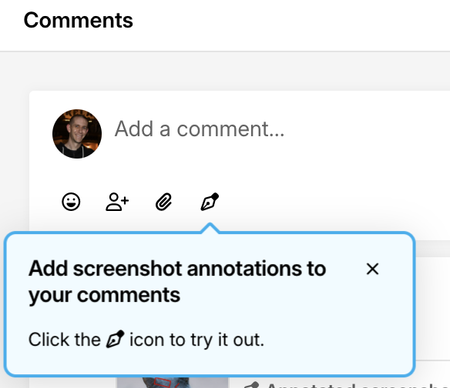

Just learned of this functionality today. Great idea and wonderful to see. However, I am noticing that when done within Storyline the screenshot only shows the upper left quadrant of the screen. I am unable to pan or scroll to the right side or lower half of the screen to annotate. Am I missing a setting someplace? Does this have to do with slide size?
- StevenBenassi6 months agoStaff
Hi FrankGough!
Sorry to hear you're having trouble with Annotated Screenshots in Review 360!
You're not missing a setting or doing anything wrong. This behavior was related to a bug in Storyline 360. This bug caused:
- Review 360 displayed screenshot annotations at inconsistent zoom levels when used to comment on a Storyline 360 Slide.
I'm happy to share that our release of Storyline 360 version 3.109.36125.0 corrects this issue! Launch the Articulate 360 desktop app on your computer to take advantage of this update, and click the Update button next to Storyline 360. You’ll find our step-by-step instructions here.
Please let me know if you run into any setbacks moving forward!

Related Content
- 4 months ago
- 5 months ago
- 2 months ago