Forum Discussion

Modern Player not working properly
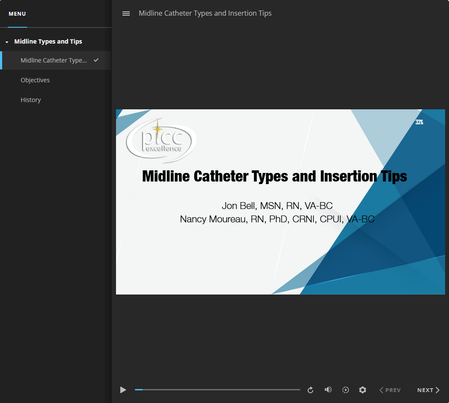

Hi GeorgeMoureau,
Thanks for the screenshots and the clear explanation. That contrast between preview and hosted behavior is really helpful.
When a course previews as expected but behaves differently once it’s uploaded to a server, and especially when this is happening with just one project while others work correctly, it usually points to something specific within that file rather than the hosting environment itself. At that point, the only reliable way to understand what’s happening is to review the project directly.
The best next step would be to look at the Storyline file that’s showing this behavior. If you’re open to it, you can share the file here in the thread or privately through a support case. Either option works, and we’ll delete your file when we’re done testing.
That will allow the team to reproduce what you’re seeing and determine why this course is behaving differently after upload.
- GeorgeMoureau28 days agoCommunity Member
This one is complicated and server based. Turns out that java scripts are cached on the server, separate from browser caching at the firewall/browser level. I don't understand it other than by creating a new folder on the server and uploading to that new folder, cleared the js cache, or started a new cache, either way the player problem I was having cleared up. I would upload a program, brand new, and the player would keep playing the old program. Nothing I tried would change that until I created a new folder on the server and uploaded the program to that folder.
- StevenBenassi24 days agoStaff
Hi GeorgeMoureau,
Thanks for following up and sharing the feedback.
I see that you've also been working with my teammate Enelluar through a support case. If you have any additional questions, feel free to reconnect with him through your case!
