Forum Discussion

Multiple Text Entry Quiz
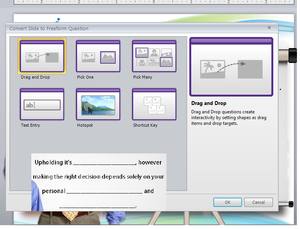

This work around assumes that the question is a fixed number of points. Does anyone know if it's possible to score each box independently and then have the total of those points reported to an LMS?

Hi Christopher -
Happy to help and hopefully answer your question on this. The "workaround" Jeannette created assumes that all of the entries must be correct for the learner to get the exercise correct, which is independent of the points assigned to the interaction or any points value assigned to each text entry box.
Do you want to have multiple text entries that are each graded independently on the same interaction? Any additional context may help us find a solution for you. Thx.
- ChristopherDawe8 years agoCommunity Member
I have a table that users must complete. I want each cell in that table to be worth one point. However, each answer is relative based upon the randomly generated data set. I currently have this activity set up as a practice activity for learners. I want to remove the "More Practice" button, and simply score the results and then send that score to the LMS.
I found this response earlier from Ashley Terwilliger, but not sure exactly how to set it up.
"Since the multiple text entry is a custom question set up, it won't be included as a part of the results/scoring - so you'd need to set up another question to track the value of that question. Since multiple choice questions allow you to score by answer, you could set it up to "select" the answer that matches the score the user is to receive based on the text entry. You could either move all the items off screen and add additional information there for the user to see - or set it up as a "jump to slide next slide " when timeline starts - and just ensure that trigger appears after the one to set the state of the question. "
Related Content
- 8 months ago
- 10 years ago
- 2 years ago