Forum Discussion

mauriceharshaw
12 years agoCommunity Member
Remove Player Border - HTML5 output (Articulate Storyline 2)
Hello everyone-
I'm wondering is someone would be able to assist me in removing the player border completely. I am aware of the player options and changing the transparency to zero, however I'm tr...

AndrewDunn
11 years agoCommunity Member
I agree Neil - this needs to be an option - I'm using a workaround for now, but I don't like tweaking the CSS to fix an issue that shouldn't be there...
<body style="height: 100%; margin-top:-10px;" onunload="DoOnClose()" onbeforeunload="DoOnClose()">
- ArturTrzebunia-10 years agoCommunity Member
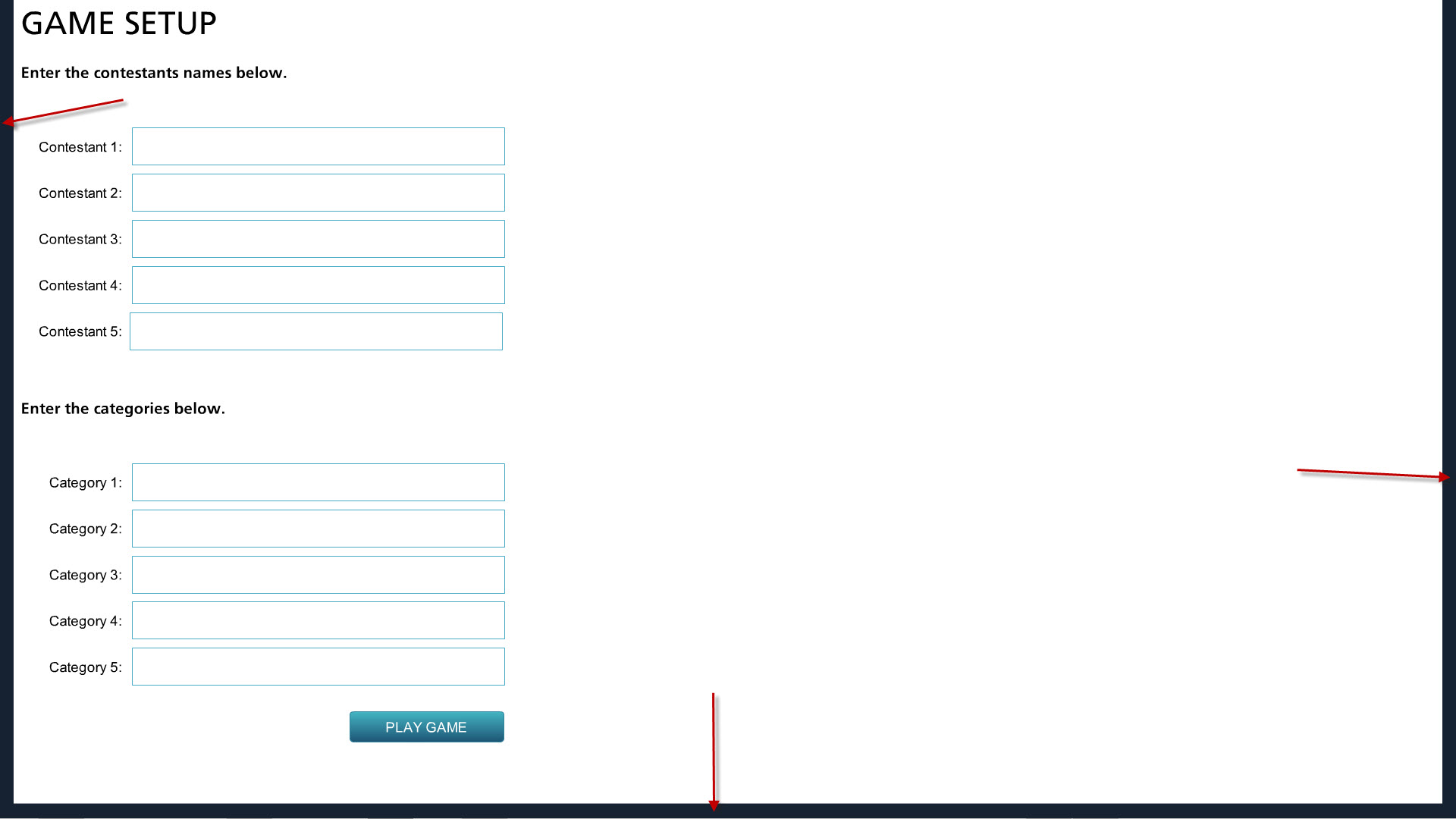
Andrew, this line of code is very helpful and works partially for me. Thank you! I'm using Chrome. the player aligns at the top without any margin/padding, but there's still margin/padding in left, right, and bottom, i.e. the player does not fill the browser window completely. How do I remove the left, right, and bottom padding so the player fills the browser. Any ideas/additional code? Please see attached image.
Thanks!

Related Content
- 11 months ago