Forum Discussion

Remove step 1, 2, 3 etc from process pre built lesson
Is there any way to amend the settings in the process lesson so you do not see srep 1, step 2 etc? I would like to use it more like a regular slider
Hi everyone, 🎉
I'm happy to let you know we released a new update for Rise 360. This update adds the following feature:
- Enjoy more flexibility with process blocks. Turn off the step label to present non-sequential interactions.
There's nothing to install for web apps. New features and fixes are immediately available, though you might need to publish your Rise 360 course again.
Let me know if you have any questions about this update or the new feature!

28 Replies
Hi everyone, 🎉
I'm happy to let you know we released a new update for Rise 360. This update adds the following feature:
- Enjoy more flexibility with process blocks. Turn off the step label to present non-sequential interactions.
There's nothing to install for web apps. New features and fixes are immediately available, though you might need to publish your Rise 360 course again.
Let me know if you have any questions about this update or the new feature!
- SilviaMilano463Community Member
Even when I delete the label in another language, the word STEP (in the other language), still appears. Any ideas why this is happening?
- SilviaMilano463Community Member
It's odd because I can add a 0 (zero), or another symbol in that field for another language (translated the labels to Spanish), but when I delete the word "Step" altogether, it does NOT save in another language--only in English. Is this a glitch?
Hi Silvia,
Happy to look into this for you!
Would you mind making a quick Peek 360 recording of the issue you're experiencing so we can check if it is something we need to report to our product team? Note that the feature request discussed in this thread is still open, but we'll leave a note if it makes it to our product roadmap!
- AlbertGarciaPujCommunity Member
OK, thanks a lot
I had to reset the language completely to make it work.
- MicahWeedman-6aCommunity Member
- AlbertGarciaPujCommunity Member
Hello, in this new version it seems that the step/label name cannot be deleted..
I delete it from settings... but when viewing the course, STEP1 is still
Apparently there is an error that is making it impossible to change anything, and STEP 1 continues to appear as the base, even changing the settings labels, is this normal?
Does anyone have the same situation? any way to fix it thank you very much in advance
- GilbertDodin-2cCommunity Member
Hi Angelo.
Thanks for the reply. Currently when i change the name of the step, the number appears after the text. E.g Procedure1 instead on 1. Procedure. Is there a way to reverse the order.
Hi Gilbert! There isn't a way to reverse the order or position of the labels in the Process block. You can only add a label on the first label field as the step/label name which comes before the numbers.
- GilbertDodin-2cCommunity Member
Are we able to remove the number at least?
Hello Gilbert!
I'm afraid there currently isn't a way to remove the step number from the Process block.
We are tracking this request and I'd be happy to include you so that you can get notified if we receive any updates or make changes that will help.
- AnnDyellig-1018Community Member
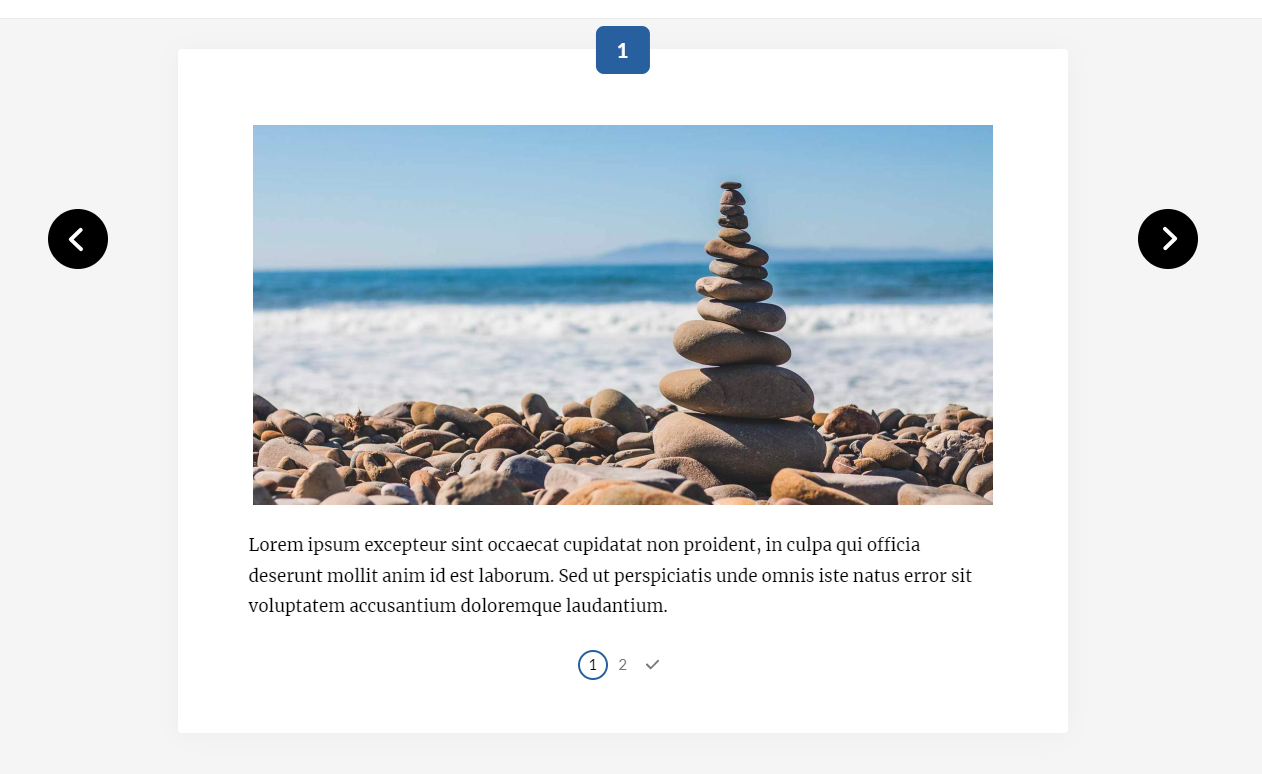
I'm having the same issue -- in the example above, I'd like to remove the orange box with "Step 1" in it -- no words, no box. If the box can't be removed, I'd live with it, but don't want the words. Thanks!
- KarlMullerCommunity Member
Hi Ann,
You can delete the word "Step" from the course Label set.
However you cannot remove the box or the number.
- MaryGoodmanCommunity Member
Could the 1 be configured to appear at the beginning rather than the end of a customised label?
- hazelBStaff
Hi Mary! May I know which part of the process block you are referring to?
- PriscillaLiCommunity Member
Is there anyway to remove the numbers and just leave the title so that it would be "Step" rather than "Step 1". I would also like to use this as a slider rather than a process.
- KarlMullerCommunity Member
Hi Priscilla,
It's not possible to remove the number.











Related Content
- 10 months ago
- 2 years ago
- 3 months ago
- 3 months ago