Forum Discussion

Resume Course Issue
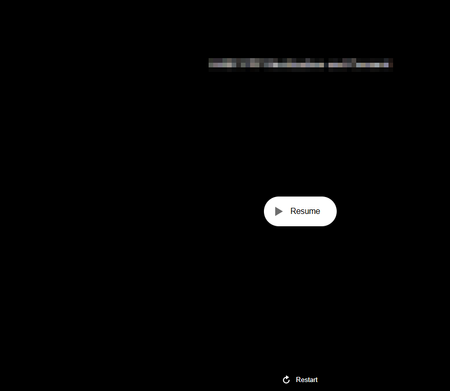

Hi,
We are experiencing this issue too after updating Articulate Storyline from version 100 to version 117.
I submitted a case to Articulate and was advised that Articulate's position is that this behaviour is expected and that the recommended solution is to reset learner progress whenever updates are made to a published course, even for minor changes such as correcting text, updating links, replacing images, or fixing spelling errors.
This represents a significant limitation for maintaining live content and differs from our previous experience where we had no issues with updating content in live modules (making sure that there are no structural changes - just changes like fixing a broken links, changing some text, swapping an image).
Having worked out that this second non-functioning resume screen is the Classic Player resume screen (even though we are using the Modern Player) I have updated the label for this page to give instructions to our learners that the page is broken and to use the menu to access the pages.
AlisonPepin-413 - if this hasn't been resolved do you have you any further insights or tips on how you are managing this issue?
LucianaPiazza - any progress on a solution to this issue?
Related Content
- 7 months ago
- 3 months ago
- 2 months ago
- 8 months ago