Forum Discussion

AndrewAgnew
1 year agoCommunity Member
Review 360
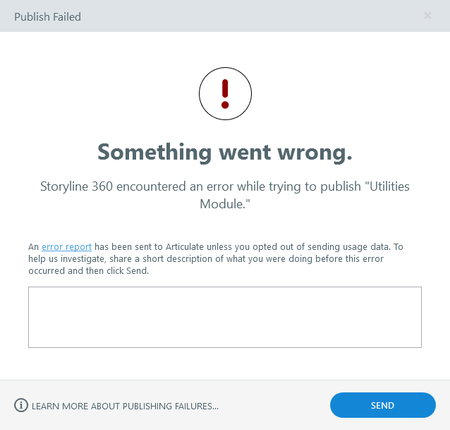
Trying to upload into Review 360 from Storyline and getting an error message with no correction. Are there common issues that cause this to occur?

KendalRasnake-1
1 year agoCommunity Member
Hi Andrew,
I recently had an error when trying to publish to Review. I fixed it and perhaps this will work for you, too:
- Launch the Articulate 360 program on your computer. (Not Storyline)
- Sign out.
- Sign back in
- Go back into Storyline and attempt to republish.
This webpage on Diagnostics might help, too.
- AndrewAgnew1 year agoCommunity Member
No go on the restart and going through the link.
- JoseTansengco1 year agoStaff
Hi AndrewAgnew,
Happy to help!
Are you encountering this issue for all your Storyline 360 project files or just one file?
If the behavior is happening to all of your project files:
- Make sure you are working locally when attempting to publish your project files to Review 360
- Try repairing your Storyline 360 installation to see if this fixes the issue.
If it happens to only one file, please share a copy of your project file here or privately by opening a support case so we can investigate. We'll delete it when we're done!
- AndrewAgnew1 year agoCommunity Member
Its happening with just the one file. Firewall will not let me upload file in either location.

Related Content
- 1 year ago