Forum Discussion

Review 360
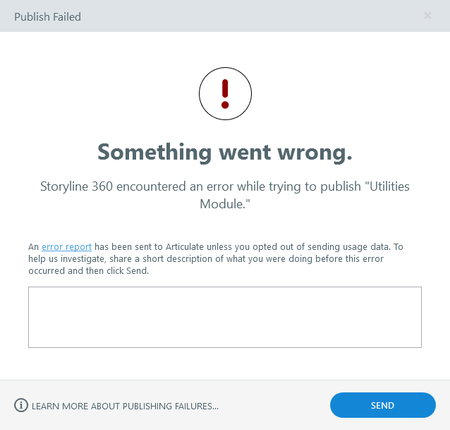
No go on the restart and going through the link.

Hi AndrewAgnew,
Happy to help!
Are you encountering this issue for all your Storyline 360 project files or just one file?
If the behavior is happening to all of your project files:
- Make sure you are working locally when attempting to publish your project files to Review 360
- Try repairing your Storyline 360 installation to see if this fixes the issue.
If it happens to only one file, please share a copy of your project file here or privately by opening a support case so we can investigate. We'll delete it when we're done!
- AndrewAgnew1 year agoCommunity Member
Its happening with just the one file. Firewall will not let me upload file in either location.
- StevenBenassi1 year agoStaff
Hi AndrewAgnew!
Glad to see Joe has been helping you!
A network firewall getting in the way of uploading project files is likely related to network security settings preventing necessary connections to Articulate servers. A helpful first step is checking that all network endpoints have been enabled. You may need help from your IT team on this! Please check if port 443 is open. If not, ask them to open port 443 and add the domains in this article to your organization's 'allowlist'.
However, if you're still having trouble after those steps, please connect with our team through a support case. They'd be happy to continue troubleshooting with you!

Related Content
- 1 year ago