Forum Discussion

Running into inconsistencies in my simulator
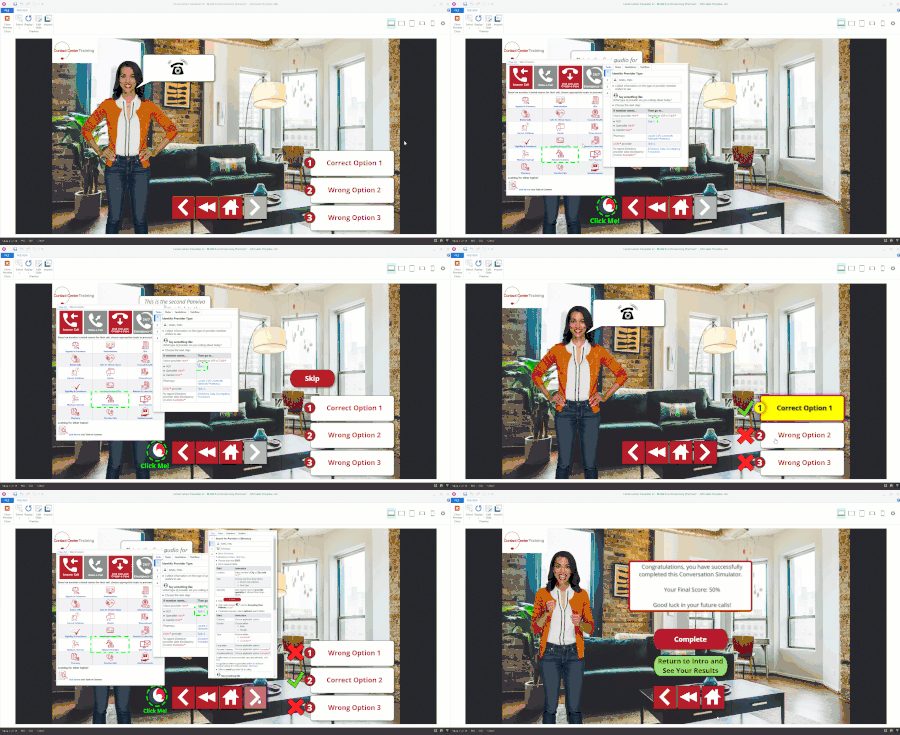

StevenBlea : I looked at both the full and stripped-down versions of your project. With all the variables and branching, I can't be sure if something in preview is supposed to happen or not. And, frankly, I'm not willing to spend any more time trying to figure it out.
I suggest you follow the advice from previous replies:
- Double check that the triggers refer to the appropriate variables. To help with this, check the variable count and usage.
- Add variable references to the slides, and then preview it. That will let you see if the variables are changing when and how you want them to.
I'll add a few more things to check:
- If you have triggers that run "when [variable] changes," be sure you only use such triggers on the same slide that the variable changes. (The program doesn't "see" a variable change that happens on another slide.)
- Be aware that if a trigger adjusts a variable to the same value it already is (e.g., adjust a T/F variable that's already True to True), the program doesn't count that as the variable changing. A "when [variable] changes" trigger won't run in that situation.
- Check trigger order to ensure that the trigger that jumps to another slide always comes after any other trigger that happens at the same time.
Thank you for taking a look.
- JudyNollet1 year agoSuper Hero
I'll offer one more tip: You can simplify programming a bit if you avoid using groups as buttons. For example, you could insert the number-in-circle shape directly into the state of the shape with the option text.
This tutorial focuses on icons, but it does show pasting objects into states: https://360.articulate.com/review/content/ce92f4bb-99ad-452f-a6e8-3ebd28061611/review
Best wishes!
Related Content
- 8 months ago