Forum Discussion

Seekbar on Layers
Hi everyone,
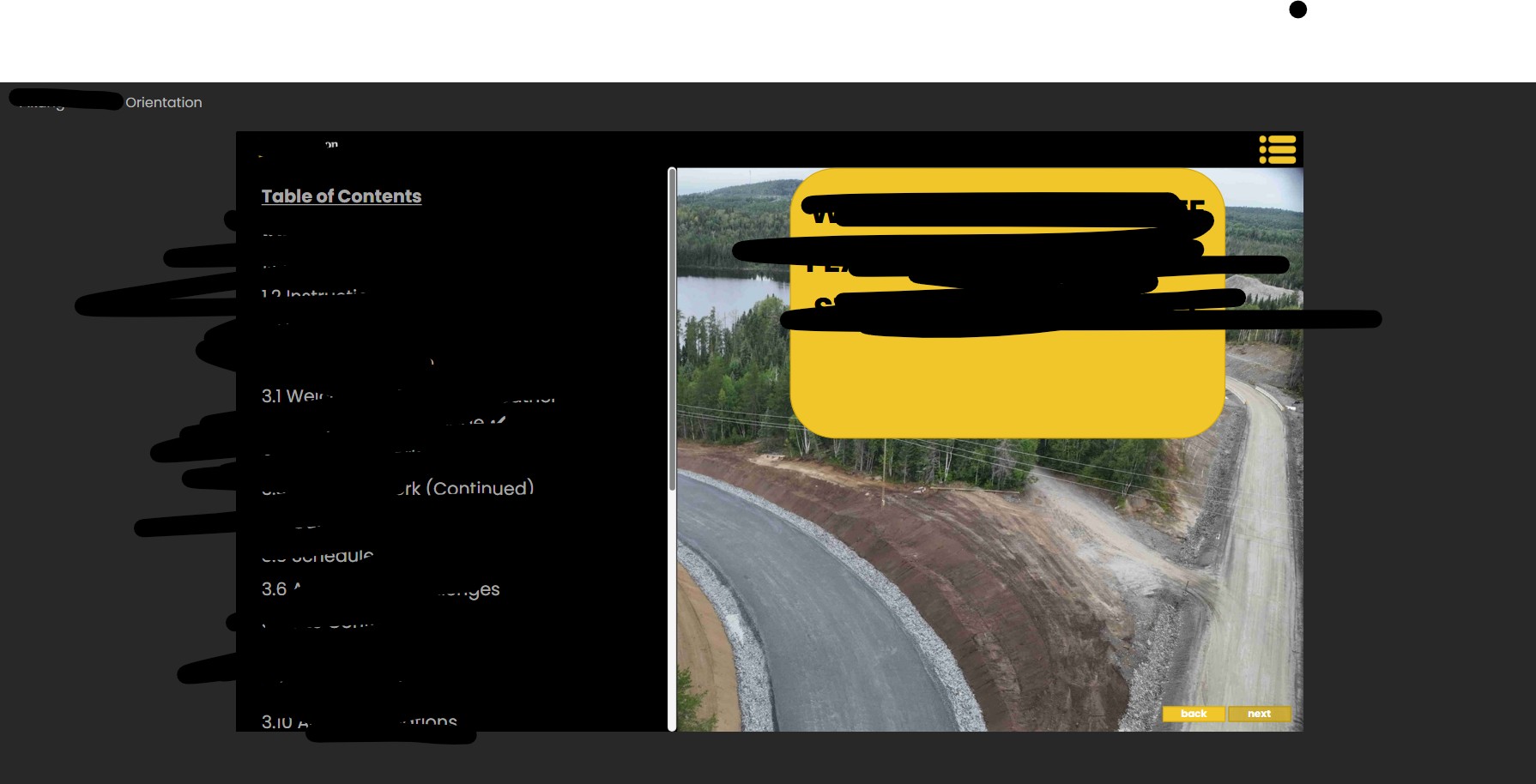
I'm experiencing a situation where when a layer is selected the player/seek bar disappears. I have set 'allow seeking' to 'yes' in the slide layer properties.
Any suggestions are welcome!
Thanks!
I assume the TOC layer is on the Slide Master. Do you have any JavaScript (Execute JavaScript trigger) on the Slide Master base layer that hides the slide bottom bar? If so, temporarily disable that trigger and see if it fixes the issue.

6 Replies
- AndrewBlemings-Community Member
I don't recall layers ever showing their own seekbar. Have you seen those before?
- NedimCommunity Member
I assume the TOC layer is on the Slide Master. Do you have any JavaScript (Execute JavaScript trigger) on the Slide Master base layer that hides the slide bottom bar? If so, temporarily disable that trigger and see if it fixes the issue.
- EmmaBoothCommunity Member
Hi Nedim,
I found the JavaScript on the Slide Master. I deactivated the trigger and that worked!
I have 3 Master Slides used throughout the course. When I update the trigger on one master, it is also changing the trigger on the other 2 master slides. Am I experiencing a glitch, or is this how the master slides are designed to function? See attached screen recording.
Thanks again!
- NedimCommunity Member
I don't think it's supposed to work like that. I can't reproduce this issue, and I've never seen this behavior before. To me, it definitely looks like a glitch.
Changing or disabling a trigger on one Slide Master should not affect the same trigger on another master slide.
Try renaming the Execute JavaScript triggers, for example:
- Master 1 – Hide Bottom Bar
- Master 2 – Hide Bottom Bar
Does that fix the issue?
EDIT:
However, you should still disable or remove this trigger from all master slides to fix the issue with the seekbar on layers.



Related Content
- 2 months ago
- 10 years ago