Forum Discussion

SL3 issue: "Zoom Picture" is adding a grey border around the image

- 4 months ago
Hello everyone,
Happy to share that we've just released a new update for Storyline 360!
In Build 3.109.36125.0, we've included essential fixes and new features. One of the bugs we’ve fixed is:
- Rotated images with zoom enabled didn't display correctly.
Launch the Articulate 360 desktop app on your computer to take advantage of this update, and click the Update button next to Storyline 360. You’ll find our step-by-step instructions here.
Please let me know if you need additional help.


Hi folks, I found a workaround to this issue. Instead of using a .JPG, or flattened image:
- In Photoshop, I first change the default 'Background' layer to a normal layer by double-clicking on that layer
- Increase the canvas size (NOT image size) of the image by about 10px on each side (now you should see the transparent BG represented by a gray/white checkerboard {in Photoshop} around the edges)
- Save it as a .PNG (with a transparent background)
- Import into StoryLine and the gray outline no longer shows on a zoom image.
In summary, I basically have an image now that's on its original white background, but now with a 10px transparent border.
This is kind of time-consuming and I wish Articulate had fixed this by now, but until then.
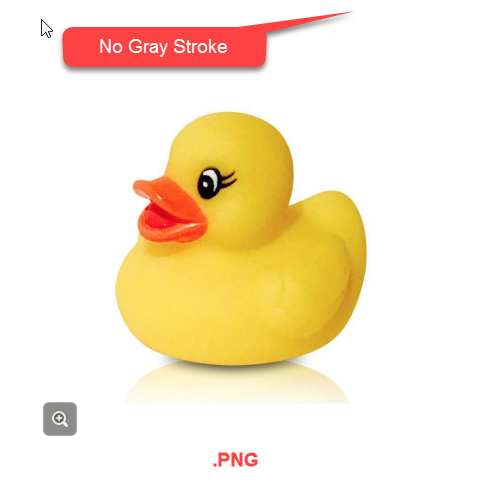
Please see attached screenshots.


Hi Ryal,
the grey stroke bug remains, but your workaround worked perfect! Thanks for taking the time to share a solution :)
Cheers,
Greg
Related Content
- 7 months ago
- 7 months ago
- 2 months ago
- 10 months ago