Forum Discussion

Tabs block
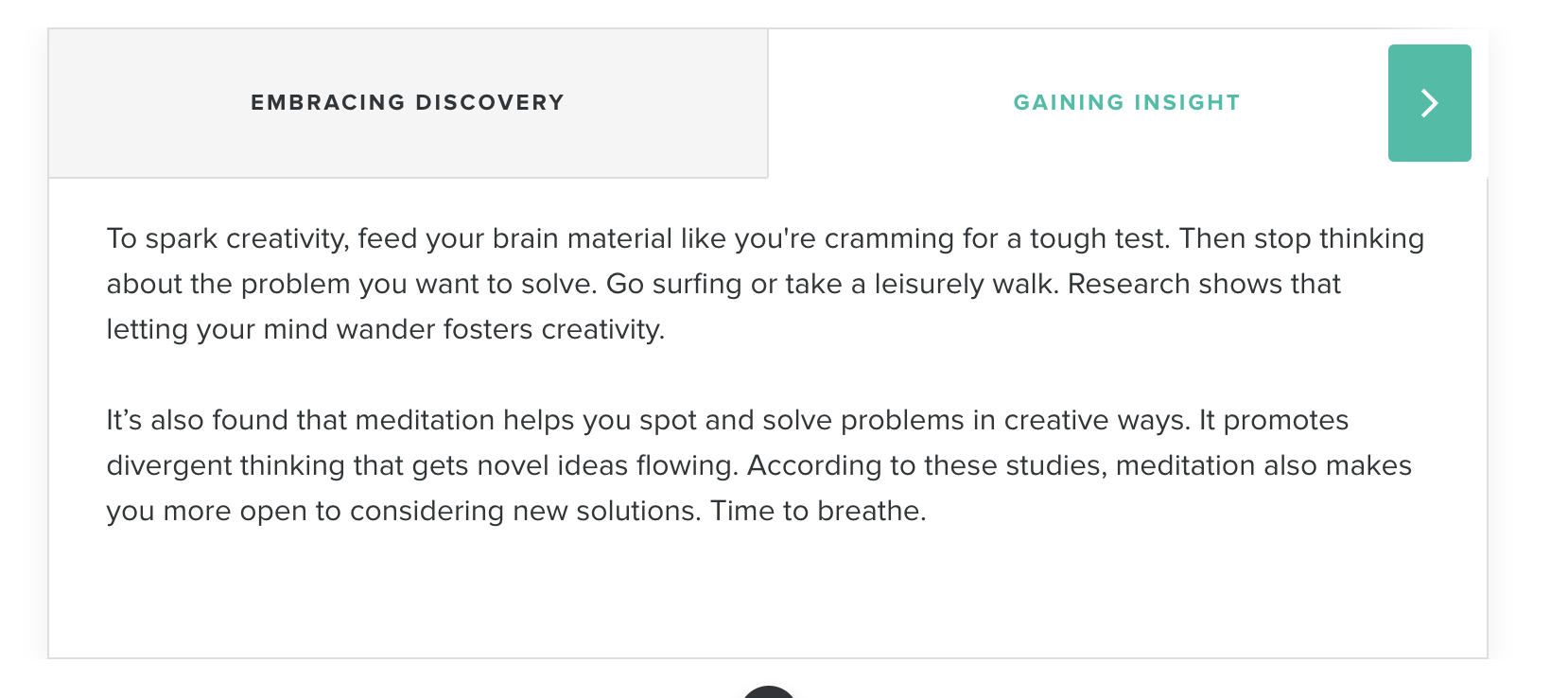
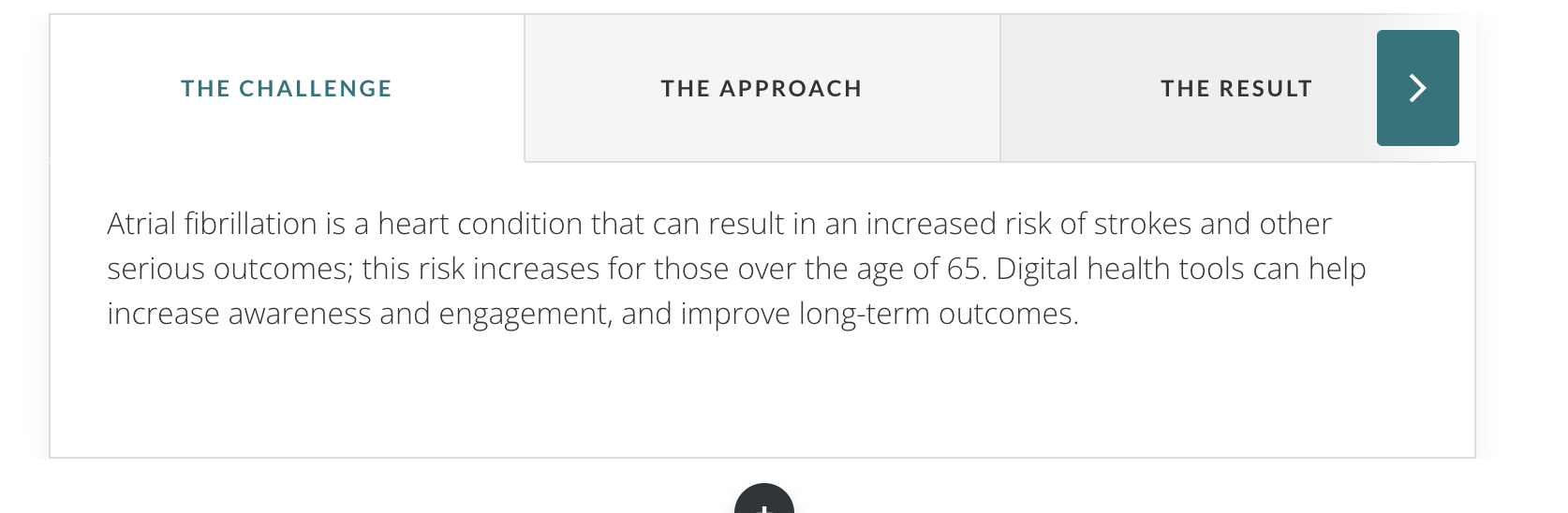
Hi, on the tabs block, the scrolling arrow appears even when there are only two tabs - there is no further content therefore this arrow serves no purpose and is confusing for the learner (see attachment). Is there a way to turn this off?
Thanks, Lisa
9 Replies
- KarlMullerCommunity Member
Hi Lisa,
We only see the arrows appear when we have more than 4 tabs.
Odd.
- LeaSAgatoStaff
Hi there, Lisa! The arrow on the tab interaction will appear if the tabs don’t fit in the display where the course is being viewed. This doesn’t seem to be the case for you as there are only have two tabs in your course. I tested the scenario, but I wasn't able to replicate the issue.
Are you viewing a published version of the course? If so, do you observe the same issue when previewing your course? Also, do you get the same results when you create a new tab interaction?
- YuvalBP-bbdfe1bCommunity Member
- hazelBStaff
Hi Yuval!
Thanks for sharing a screenshot of the issue. So sorry to hear that you are getting an arrow in your tabs interaction even if there are only 2 tabs.
I tried to recreate what's happening but I am not getting an arrow in by tabs interaction if there are only 2 tabs.
May I know which browser you are using? Does this appear during preview or when viewing a published version of your course? If you delete then recreate the tab interaction, is the behavior the same?
- YuvalBP-bbdfe1bCommunity Member
Hi Hazel,
I am using chrome browser and it does happen in preview mode as well but only when I am using my laptop. On a big screen it doesn't happen
Hi Yuval,
We were able to recreate this problem, and we've logged it as a bug in Rise 360. If we get any updates on this issue, we'll circle back to let you know!
- YuvalBP-bbdfe1bCommunity Member
Thank you for the update.
- SarahMoore-369dCommunity Member
- SarahMoore-369dCommunity Member
I am using Chrome if that is helpful!






Related Content
- 7 months ago
- 6 months ago
- 7 months ago