Forum Discussion

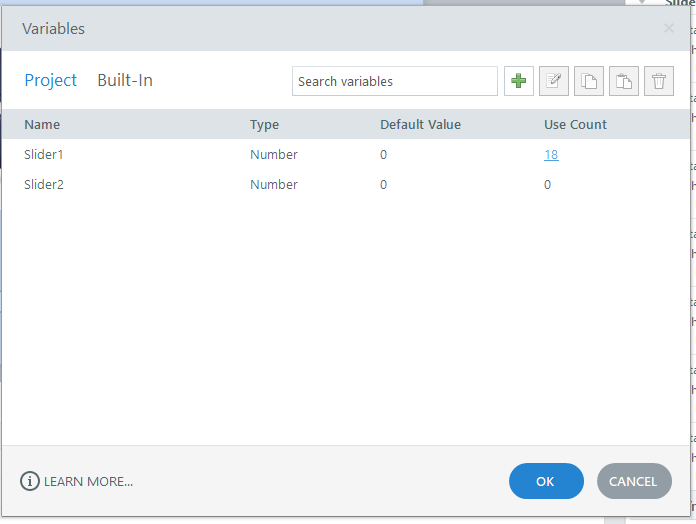
Why do I always get a error report when I click on variables user count?
- 3 months ago
Hello everyone!
Happy to share that we've just released a new update for Storyline 360!
In Update 118, we've included essential fixes and new features. We've released a fix for this behavior in Storyline 360.
Launch the Articulate 360 desktop app on your computer to take advantage of this update, and click the Update button next to Storyline 360. You’ll find our step-by-step instructions here.
Please let me know if you need additional help.

Here is a slider practice file I created. Go to the second slide, then to the variable window, and click on user count. That's where the error report comes up?
- AndrewBlemings-3 months agoCommunity Member
The error shows for me too, though I'm not sure what its problem is. As a workaround, I deleted the variable and created a new number variable, and then replaced the first variable in all of the triggers with the new one, and now I can see the use count. The variable that a slider looks at and modifies can be swapped in the slider's tools: