Forum Discussion

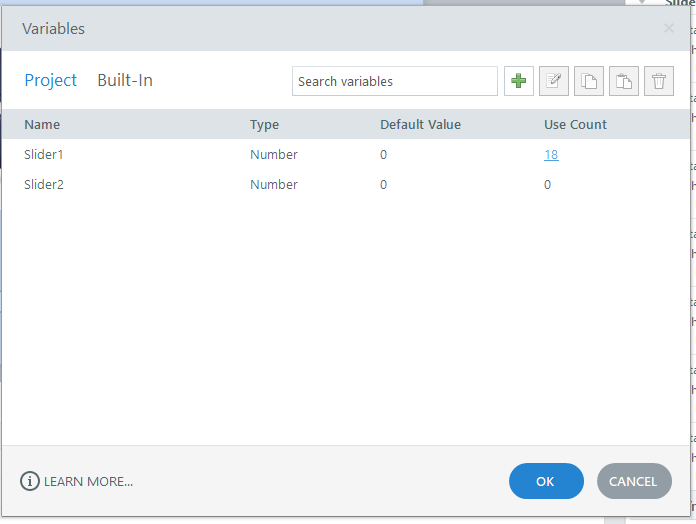
Why do I always get a error report when I click on variables user count?
- 3 months ago
Hello everyone!
Happy to share that we've just released a new update for Storyline 360!
In Update 118, we've included essential fixes and new features. We've released a fix for this behavior in Storyline 360.
Launch the Articulate 360 desktop app on your computer to take advantage of this update, and click the Update button next to Storyline 360. You’ll find our step-by-step instructions here.
Please let me know if you need additional help.



That's really cool. Where do you find the error logs?

When the Articulate Storyline Error Report dialog appears, there is a small and not very noticeable "information" text that opens a more detailed though not very user-friendly error report. Sometimes the report provides a useful clue and the issue can be fixed fairly quickly. Other times, however, the information is more technical, vague, or related to a deeper issue, like the one in this case.
- AndrewBlemings-3 months agoCommunity Member
You're a wizard, thank you!
- Nedim3 months agoCommunity Member
Any time AndrewBlemings- !