Forum Discussion

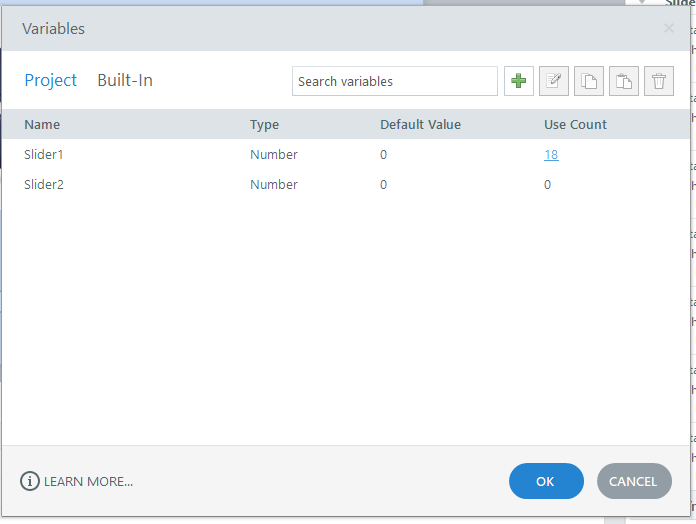
Why do I always get a error report when I click on variables user count?
- 3 months ago
Hello everyone!
Happy to share that we've just released a new update for Storyline 360!
In Update 118, we've included essential fixes and new features. We've released a fix for this behavior in Storyline 360.
Launch the Articulate 360 desktop app on your computer to take advantage of this update, and click the Update button next to Storyline 360. You’ll find our step-by-step instructions here.
Please let me know if you need additional help.



I wonder if that same error (Articulate.Design.Triggers.UI.VariableUseDialog.OnHandleCreated) could be causing the one I reported to Articulate (case #01374381). When I click the triangular button in the Markers & Hotspots panel (editing a 360 image interaction), I get a crash warning.
This makes it impossible to change the 360 image interaction into a Guided Tour.

I bet it’s the same one. It seems the error is triggered when the Use Count is clicked for variables that are automatically generated by certain elements, such as Markers in a 360° image interaction.