Forum Discussion

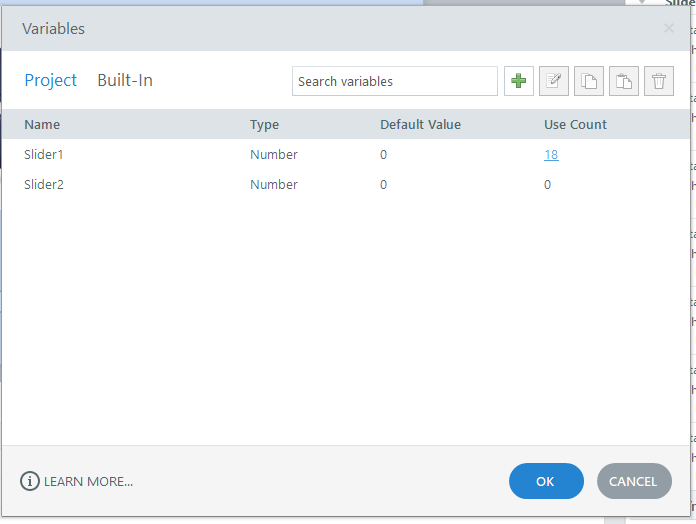
Why do I always get a error report when I click on variables user count?
- 3 months ago
Hello everyone!
Happy to share that we've just released a new update for Storyline 360!
In Update 118, we've included essential fixes and new features. We've released a fix for this behavior in Storyline 360.
Launch the Articulate 360 desktop app on your computer to take advantage of this update, and click the Update button next to Storyline 360. You’ll find our step-by-step instructions here.
Please let me know if you need additional help.



Hi everyone,
Thanks for continuing to share details and testing results here. CJLu, since you already have a related support case open, I wanted to share an official update here for others who may run into the same issue.
We’ve confirmed this behavior is currently being tracked by our product team. At the moment, clicking the Use Count link in the Variable window may trigger a Storyline error report in Storyline 360 Update 117. Reverting to a previous build appears to work around the issue while the team continues investigating further.
We’ll be sure to share updates in this discussion as we have them.